
Quick summary
Sage doesn’t publish fixed, public pricing for Sage 200. You get a figure by asking Sage or a Sage partner for a quote. Your custom quote is generated after considering your edition, modules, named users, and hosting. Setup and support cost extra, and your subscription charges can rise at renewal. iplicit offers a multi-entity alternative, where multi-entity and multi-currency capability isn’t sold as extra modules.
Your Sage 200 subscription price can change at renewal
Under Sage’s terms, a new Sage 200 subscription runs for 12 months, then renews automatically for another 12 months unless you give notice to end it. And Sage reserves the right to increase subscription fees at each renewal.
This means your initial Sage 200 quote isn’t necessarily what you’ll pay in subsequent years. This article explains what determines your first quote, what that quote covers, and what to ask your Sage partner before signing up.
Why trust this article?
At iplicit, we’ve helped organisations move from Sage 200, simplify their accounting processes, and reduce the manual work involved in consolidation and intercompany accounting.
Edinburgh International Festival made the move and now saves around two days of finance work each month, with better reporting flexibility and project-level visibility.
“At the point when you’re spending most of the money, that’s when you need more accurate, up-to-date financial reporting, which is what iplicit now gives us. Budget holders can see their expenditure live in the system.”
Andrew Brownlie, Head of Finance, Edinburgh International Festival
This article draws on our experience helping organisations migrate from Sage 200 and achieve results like these.
What goes into a Sage 200 quote
A Sage 200 quote can include six cost components, but not every customer will need all of them. Here’s what each component covers and who prices it.
| Part of the price | What Sage’s terms say | Who sets the price or provides it? |
|---|---|---|
| Edition | Sage 200 Standard is available directly from Sage or through a partner. Professional is supplied through a partner. | Sage sets the software pricing; the sales route depends on the edition. |
| Modules | You can add modules like Financials, Commercials, Business Intelligence and Project Accounting, depending on your edition and requirements. | Sage sets module prices in its Price List; your partner includes the required modules in your quote. |
| Users and companies | Fees change with the number of users, and the number of users can differ by module. | Sage sets the licence structure and fees; your partner arranges the required licences. |
| Hosting and storage | Standard runs on Sage’s own Azure subscription. Professional can run on your own server, a third party’s hosting, or a partner-managed cloud. Storage costs can change the fees for online services. | Sage or your chosen hosting provider, depending on the deployment. |
| Microsoft SQL | It’s an optional extra, bought through a partner for an additional fee. | Microsoft provides the software; your partner arranges the licence and confirms the fees. |
| Setup, training and support | Sage supports Standard directly or through your partner. Your partner supports Professional and agrees with you how updates and upgrades are implemented. | Your partner quotes for its services. Support arrangements depend on whether you buy directly from Sage or through a partner. |
How much does Sage 200 cost?
Sage doesn’t publish a fixed price for Sage 200. Instead, you’ll receive a quote based on the edition, modules, number of users and companies, and hosting setup you need. Sage’s terms refer to a Price List for modules, online service components and Microsoft SQL, but it isn’t published on sage.com, and your final cost depends on how your solution is configured and whether your partner provides additional services like implementation, training, and support.
You can buy Sage 200 Standard directly from Sage or through a partner, but Professional is sold only through a partner. Partners publish their own guide prices online, and the figures often differ.
Before requesting a quote, list the number of companies you need to manage and the number of users who need access. Note which modules you require and your preferred hosting setup. Every one of those answers contributes to the final figure.
How a Sage 200 subscription works
New customers subscribe to Sage 200 for 12 months at a time. The subscription renews automatically for a further 12 months unless you give Sage at least 30 days’ written notice, timed to expire no earlier than the last day of the current term. Sage no longer offers 36-month subscriptions. Here’s what Sage’s current published terms say about payment, refunds, price rises, and ending your subscription.
- Payment: You pay monthly or in one upfront payment for the full 12 months, by direct debit. Fees are in pounds sterling in the UK and exclude VAT. For Sage 200 Standard, you pay Sage directly or through your partner, as agreed at purchase. For everything else, your Sage partner pays Sage on your behalf. Sage may apply discounts to upfront payments at its discretion.
- Refunds: Sage does not refund prepaid fees when you cancel a module, reduce the number of users, or terminate your subscription, including where you have unused prepaid fees.
- Adding users or modules: Adding users or a module attracts a pro-rated charge for the current calendar month, which Sage applies to the following month’s invoice. Modules added to a 12-month subscription are paid the same way as the subscription itself, pro-rated for the rest of the term.
- Price rises: Sage reserves the right to increase fees at the start of each renewal term. It says it will use reasonable endeavours to give 90 days’ written notice of the renewal date and the amount of any increase, to your partner or to you directly on Standard. Outside renewals, Sage can raise fees on four calendar months’ written notice.
- Ending the subscription: To stop a 12-month subscription renewing, give at least 30 days’ written notice, timed to expire no earlier than the last day of the term. Sage can end the agreement by giving at least six calendar months’ written notice.
For example, say your 12-month subscription ends on 31 March, with renewal on 1 April. To prevent renewal, you must give written notice at least 30 days before the end of the term. Submit it by 1 March to meet that requirement.
Sage aims to tell you about a renewal price increase about 90 days ahead, which here means early January. That 90 days is a reasonable-endeavours commitment rather than a guarantee, so ask your partner for the renewal price in writing well before your own 1 March deadline.
If you buy through a Sage partner, the partner administers your renewal and handles your payment for the subscription. Confirm the applicable notice process and any other terms in your Order before signing.
Standard or Professional: what differences exist?
| Capability | Standard | Professional |
|---|---|---|
| Where it runs | Sage’s Azure environment, with updates managed by Sage | Your own server, a third party’s hosting, or a partner-managed Azure cloud |
| Third-party add-ons | Not available | Available |
| Business Intelligence | Not available as a separate module | Available |
| Project Accounting, Web, Timesheets and Expenses | Not available | Available |
| CRM | Not available | Available |
| Multi-company consolidation | Base currency only | Supports multiple currencies |
| Stock and nominal ledger | Multi-location stock, bins and landed costs | Also supports stock integration with the nominal ledger and cost-of-sales postings |
| Stock traceability | No batch or serial number traceability | Batch and serial number traceability available |
| API access | Available | Available |
The main differences are in the additional modules, deployment options, and more advanced stock and accounting features that Professional offers.
If all your companies report in pounds, Standard’s base-currency consolidation may be sufficient. If you need to consolidate companies reporting in different currencies, or require Professional-only features, ask your Sage partner what Professional would cost for your setup.
Costs outside the Sage 200 subscription
Several costs may sit outside your Sage 200 subscription, and many are paid to your partner or a third party. Ask about each one before comparing quotes.
- Microsoft SQL: It’s optional, and you buy it through a partner for an additional fee.
- Salary and Supplier Payments: The Modulr-powered payments service is an optional extra with its own additional fee.
- Bank feeds: If you buy them, they run under their own separate terms.
- Upgrades: Your subscription includes updates and the upgrades Sage issues free of charge. Chargeable upgrades are billed separately, and your partner implements any upgrade on terms you agree with them.
- Third-party add-ons: They’re sold under their own agreements with the add-on provider.
- Partner hosting: If your partner hosts Professional, the hosting runs in an environment the partner manages, so ask what it costs and who looks after it.
Questions to ask before you sign a Sage 200 quote
Ask your partner these six questions before signing:
- Which edition, and why? Ask what Professional gives you that Standard doesn’t for your own setup, and what you might lose by choosing Standard.
- Which modules and how many named users? Fees depend on both factors, and user numbers may vary by module. Ask for each to be priced separately.
- Where is it hosted, and who pays for storage? Storage can affect the cost of online services, so ask for any additional charges in writing.
- What do setup, training, and support cost? Ask who provides each service, what it includes, and whether it’s covered by your partner’s quote.
- What happens at renewal? Sage can change fees, subject to the notice and timing rules in its terms. Ask when you’ll be notified and whether your partner expects any increase.
- What does it cost to reduce or leave? Sage’s terms say prepaid fees aren’t refunded, and ending a renewal needs 30 days’ written notice. Ask your partner to explain the process and any costs before you sign.
What to check if you run more than one entity
If you operate multiple companies, check Sage 200’s consolidation capabilities before comparing prices. The options depend on your edition and the currencies your companies use.
Sage’s product comparison states that Standard supports multi-company consolidation in the base currency only, while Professional supports multiple currencies.
Intercompany accounting is another consideration. Sage 200 can record transactions between companies, but your finance team may need to post the corresponding entries in each company’s accounts and reconcile the balances manually. Third-party extensions can automate more of this work, but they come at an additional cost.
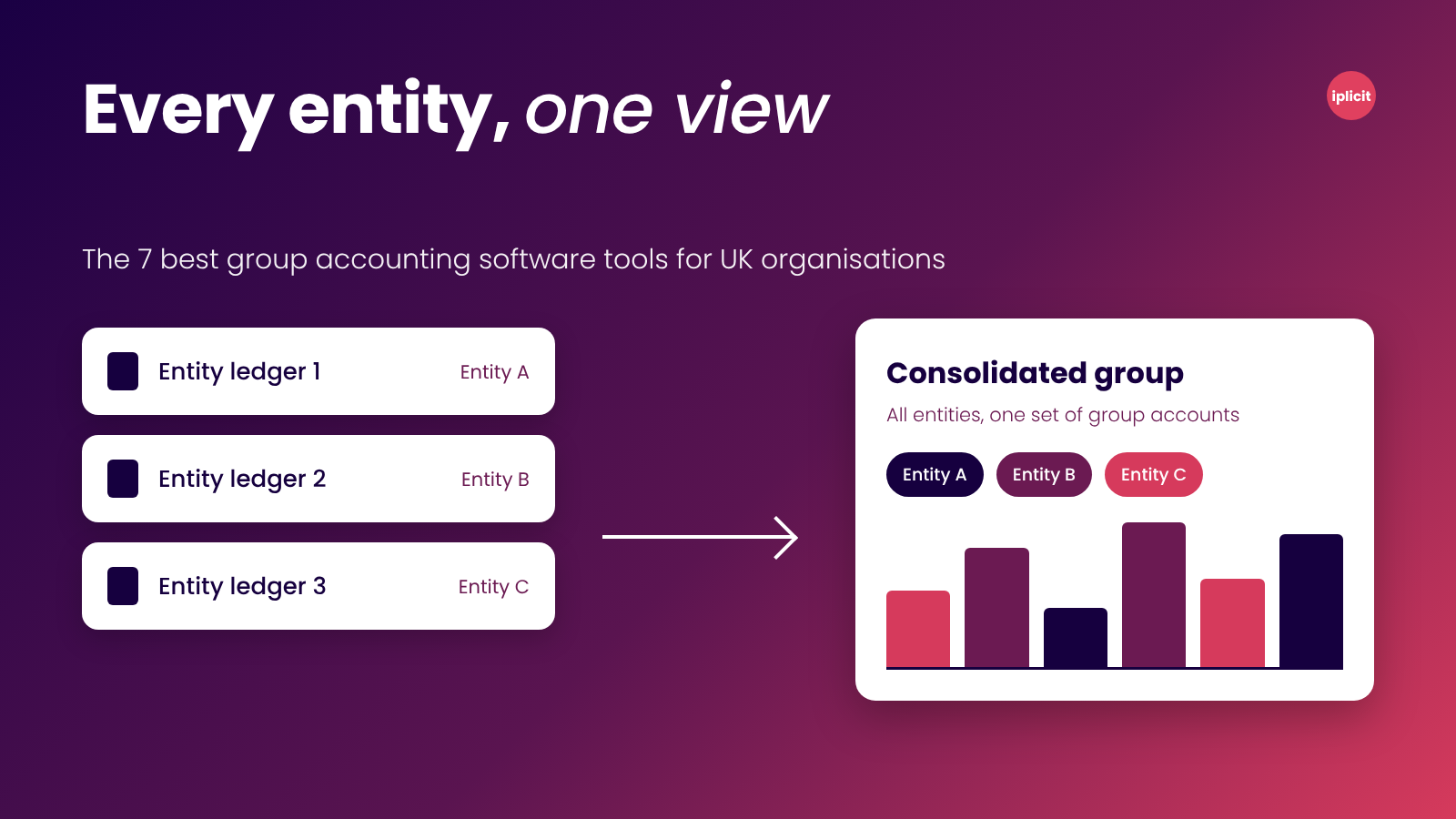
If you regularly process transactions across several entities, a single multi-entity system like iplicit may be simpler. It brings intercompany accounting and group consolidation into one environment, reducing the manual work involved in managing separate company accounts.
But if you choose to stay on Sage 200, ask your partner to demonstrate how it would handle your actual entity structure, including intercompany transactions and companies reporting in different currencies. This will show you how well Sage 200 meets your needs.
How iplicit simplifies multi-entity accounting
If you’re finding that managing intercompany transactions, consolidations, and group reporting in Sage 200 involves too much manual work, iplicit offers a more integrated alternative. It’s a cloud accounting platform with built-in multi-entity consolidation, flexible reporting dimensions, and approvals.
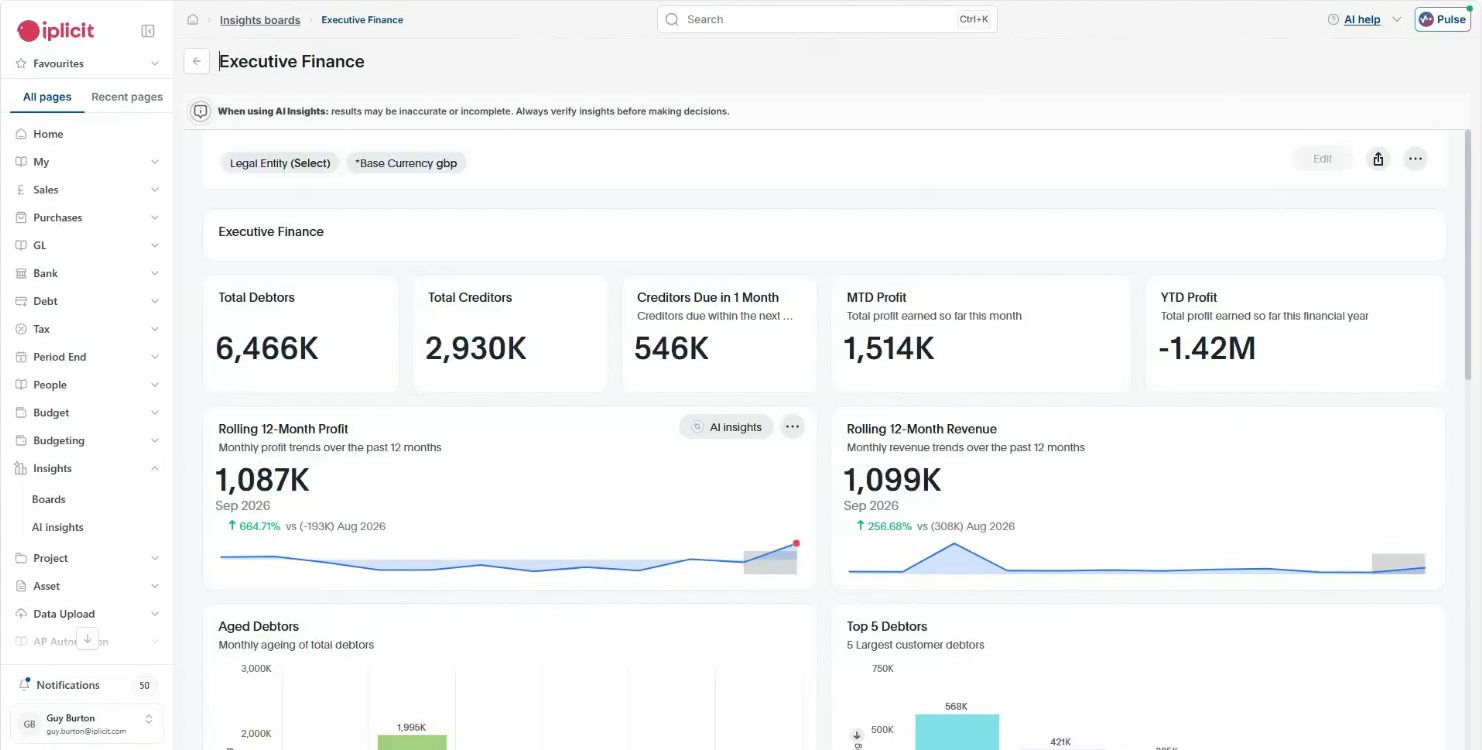
We offer subscription pricing that scales with your users and entities. Fund accounting, multi-entity and multi-currency capability aren’t sold as extra modules. Consolidation across entities and currencies happens in one system. You record intercompany transactions there too, and you can drill down from a consolidated figure to the source transaction. Our group accounting page explains in more detail.
For organisations that manage multiple entities and want to simplify intercompany accounting, consolidation and group reporting, iplicit is a strong option. But it’s not perfect, or the right fit for every organisation.
Many other accounting systems cost less, and an organisation running just one company on Xero will likely not benefit much from iplicit’s multi-entity capabilities. Also, if you rely on Sage 200’s deep multi-location stock control or project accounting, staying with that system may suit you better. iplicit has an optional stock control module, a Cin7 integration and an optional project costing module, but it doesn’t run manufacturing bills of materials.
So, if you run one company on Xero or your Sage 200 partner already supports your setup well, switching may not pay off. But if you manage several entities and your month-end involves stitching reports together manually, it’s worth comparing the two.
Two organisations moved from Sage 200 to iplicit and have seen significant improvements. Age Scotland now issues management accounts in a third of the previous time and reconciles its bank within a few hours. At FESPA, the four-person finance team estimates iplicit saves one to two days a month on everyday work.
“We’re not a big team – there are only four of us – and I’d say we’ve saved between 1–2 days a month by moving to iplicit, or around 5–10% of our time.”
Andy Froud, Finance and Commercial Controller, FESPA
Before you sign off on iplicit, your data is migrated and tested in a sandbox. Nothing goes live until you’ve reviewed and signed off on the results. And including data migration and testing, you can be up and running in weeks, not months.
Also, if your current provider wants to charge you for a right-to-use licence to access historical data after you leave, our article on right-to-use licences explains how iplicit’s data archive keeps your historical data to hand after you move.
Compare quotes on the same terms
Don’t choose or stay with Sage 200 blindly. List your entities, currencies, named users, and required modules. Then ask your Sage partner to quote against that list and demonstrate how Sage 200 would handle your consolidation and intercompany transactions. Our finance software evaluation checklist helps you compare the answers side by side.
If the demonstration shows that managing multiple entities will likely still involve hours of manual work each month, consider whether a single multi-entity system like iplicit would be simpler.
You can book a demo or take the Quick Tour to see how iplicit prices and handles multi-entity accounting compared with Sage 200.
Is Sage 200 still supported?
Is Sage 200 still supported?
Sage 200 is a current, supported product. Sage’s lifecycle policy dates the 2025 R1 release to June 2025, 2025 R2 to November 2025 and 2026 R1 to November 2026, and Sage supports the latest major version plus the previous two. Version age matters most for Professional, because Standard updates itself. If you run Professional, ask your partner which version you’re on and when support for it ends.
Is Sage 200 still available?
Is Sage 200 still available?
Yes. New customers can subscribe to Sage 200 Standard directly from Sage or through a partner, and to Professional through a partner.
What does Sage 200 do?
What does Sage 200 do?
Sage 200 is Sage’s finance and business management software. Its modules include Financials, Commercials, Business Intelligence and Project Accounting, and the edition you choose decides which ones you can add.
What is the difference between Sage 50 and Sage 200?
What is the difference between Sage 50 and Sage 200?
They’re licensed differently. Sage 50 Standard covers up to five companies and two users, and Professional includes unlimited companies and users. Sage 200 is licensed by module and number of users, and you add more through Sage or your partner. Sage also lists multi-location stock and landed costs in both Sage 200 editions.