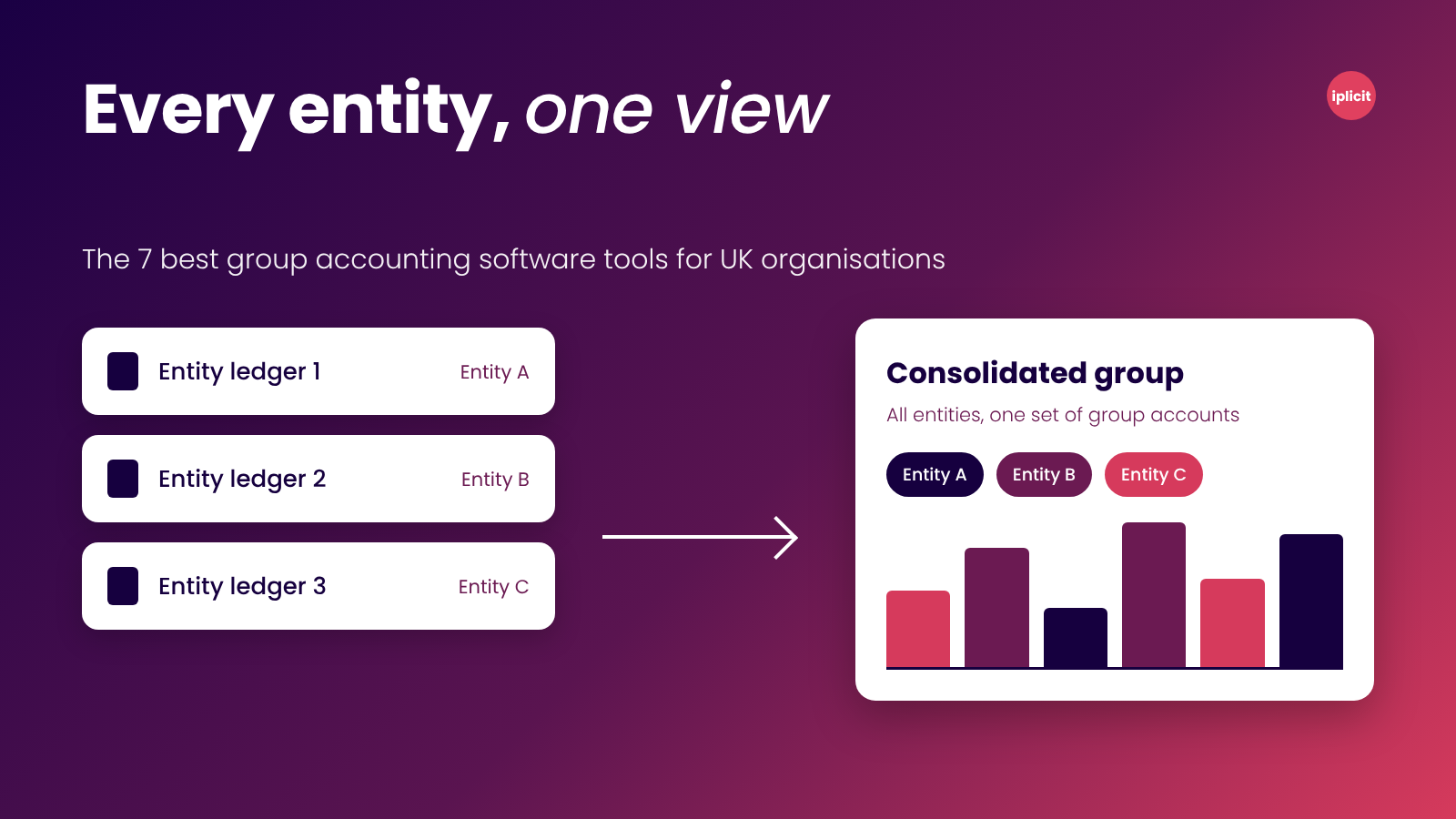
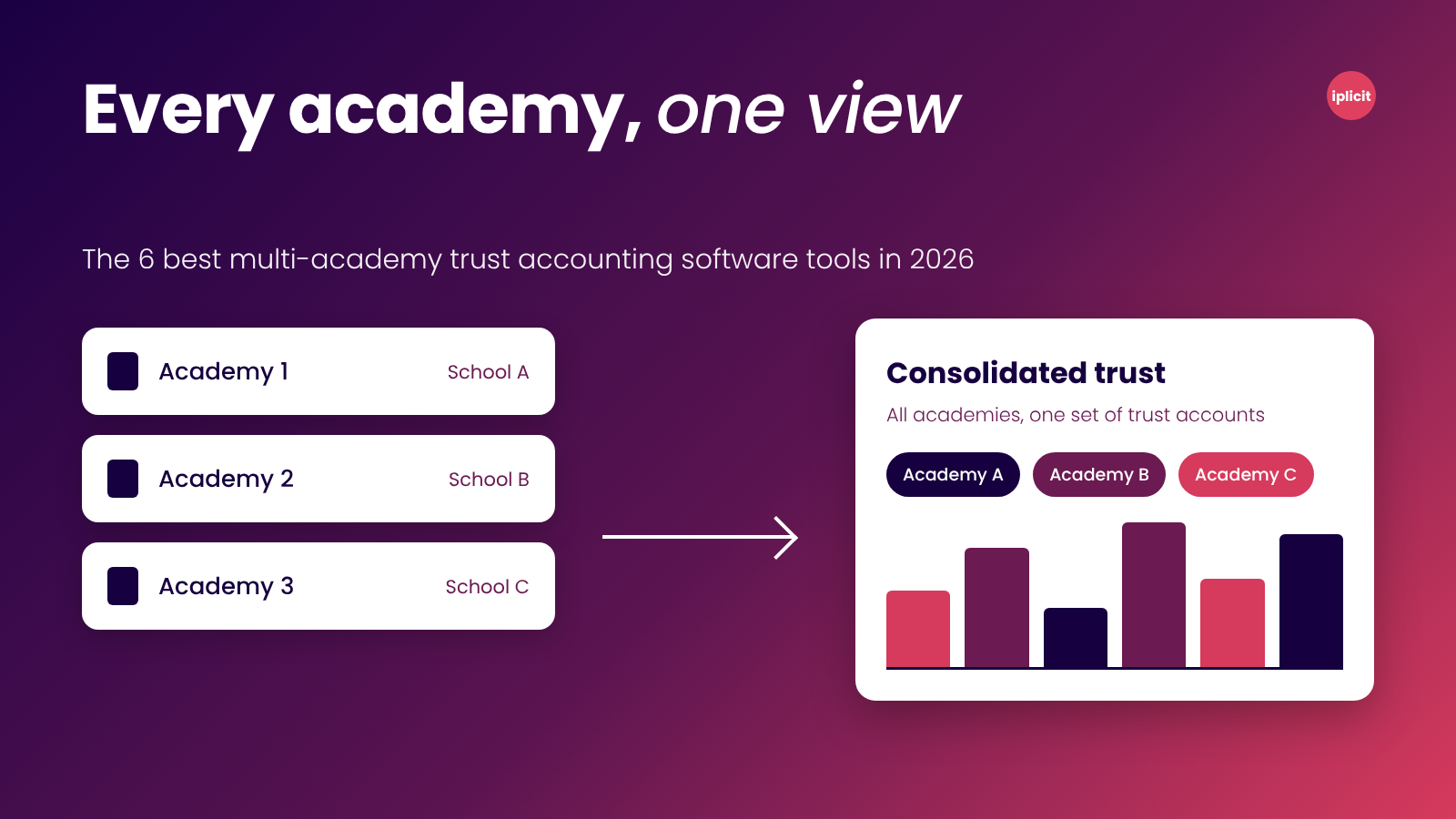
If you run finance for a multi-academy trust (MAT), the accounting software you choose needs to do more than standard bookkeeping. It has to consolidate figures across every academy, map to the DfE’s chart of accounts, and produce the academy accounts return. And it also has to give budget holders at each school access to their own numbers without compromising organisation-wide controls.
Quick comparison
General accounting software doesn’t fit a growing trust
Every multi-academy trust (MAT) in England must submit consolidated accounts to the Department for Education (DfE) by 31 December. These accounts must follow the Academies Accounts Direction and cover every school in the trust. The DfE’s academies chart of accounts, which trusts can choose to adopt, is the standard structure behind the trust’s financial returns.
If your current accounting system keeps each school in a separate file, consolidating those accounts would mean hours of manual spreadsheet work. And as your trust grows and takes on more academies, that workload increases.
That manual bottleneck is what often leads finance teams to start looking for software purpose-built for multi-academy trusts.
This guide compares six accounting tools in that category. We judged each one based on consolidation, DfE compliance, budget-holder access, and audit readiness. Let’s see how they compare.
Why listen to us?
At iplicit, we work with multi-academy trust finance teams who are fed up with the manual work that basic accounting tools require.
Bradford Academy, for example, cut its bank reconciliation time from three to four hours every week to under one hour. Its audit preparation also went from requiring ten boxes of paperwork to just one.
“At any one time in this office, you’ll have a queue at the door, your phone will be ringing, numerous unread emails containing queries – it can pile up and get the best of everybody. But now iplicit has assisted us simplifying essential workload and queries, we can do a bit of every task every day and get through the workload.”
Liz Idahmed, Finance Assistant, Bradford Academy
“It’s made us more available as a department and given us scope to look at other projects. If we wanted to look at a new strategic initiative, or if we needed to respond to new DfE requirements, we could give those things the time they need – whereas in the past, we’d have needed more staff or extra hours in the day.
We’ve seen first-hand which software features make multi-entity trust accounting more efficient, and we reviewed each tool on this list with that knowledge in mind."
What is multi-academy trust accounting software?
Multi-academy trust accounting software is a finance system that is built for the way MATs actually work. A MAT is a single legal entity, but each academy runs its own budgets, cost centres, and day-to-day spending, and MATs have to handle both levels at once.
At school level, budget holders and heads need to see their own figures. At trust level, the CFO, auditors and DfE need consolidated financial statements. So, the accounting system has to map transactions to the DfE’s academies chart of accounts, track restricted and unrestricted funds separately, and consolidate everything without manual spreadsheet work.
Why multi-academy trust accounting software matters
- DfE-compliant consolidation saves weeks of manual work: Purpose-built MAT software automates much of the consolidation work. Without it, your finance team has to export data from each school’s system, reconcile balances between academies, and rebuild the consolidated accounts every reporting cycle.
- The academies chart of accounts underpins the DfE returns: Every MAT must submit the academies accounts return and the budget forecast return, and both are built on the DfE’s academies chart of accounts. Software that maps transactions to the chart from the start saves your team from re-coding them at year-end.
- Budget holders need access without compromising financial controls: School heads need a live view of their own budgets, while the trust CFO needs the full picture. The right system gives both access to the same data, with permissions controlling who can see and do what.
- Audit readiness should be built in, not bolted on: Auditors need a clear trail from individual transactions through to the consolidated accounts. When that trail is available in the system, audit preparation shrinks from weeks to days.
- Fund accounting keeps restricted and unrestricted income separate: GAG funding, pupil premium, capital grants and unrestricted income come with different spending conditions. Software with native fund tracking helps ensure restricted funds are used for their intended purposes.
How we evaluated these MAT software options
We judged each tool based on five criteria:
- Native consolidation: Does the system produce trust-level accounts automatically?
- DfE compliance: Is the chart of accounts and the accounts return built in, or do these need to be configured separately?
- Fund accounting: Does the system separate restricted and unrestricted funds natively?
- Budget-holder access: Can school staff see their budgets without seeing trust-wide data?
- Audit readiness: Does the system log every transaction and approval in a way auditors can follow?
The 6 best multi-academy trust accounting software tools: detailed reviews
1. iplicit
Best for: MATs that need multi-entity consolidation, fund accounting and audit-ready reporting in one cloud system.

iplicit is cloud accounting software that supports the full consolidation process for multi-academy trusts. You can report on individual academies, groups of schools, or the whole trust, with intercompany handled in the system.
When you record an intercompany transaction once in iplicit, iplicit creates the matching entry in the other entity, with eliminations handled for you. Consolidation runs across entities and currencies in one system, with drill-down from any consolidated line to the source transaction. And fund accounting is a core feature, not an add-on, so GAG, pupil premium, and capital grants can be tracked separately from day one.
Every approval, journal, and bank reconciliation is also logged in one place, giving your finance team a clear audit trail from individual transactions through to the consolidated accounts.
The benefits of iplicit for MATs are clear from our case studies. Excalibur Academies Trust, which runs 20 schools, moved from 16 separate finance databases to iplicit. After the move, its annual audit time fell from nearly a month to two weeks, bank reconciliation dropped from three weeks to one, and around 1,600 invoices are now approved digitally each month.
Active Learning Trust, a 21-school MAT, also cut its year-end workload by at least half with iplicit. It also reduced 19 payment runs every fortnight to one central run each week. This better financial analysis helped the trust save £300,000 on agency staffing.
“One of the main challenges for us is the cost of supply teachers. Now, with the features and functionality iplicit provides, we can understand not just how much we’re using but why. Is it vacancies? Is it short-term or long-term sickness?”
Phil Beecher, CFO, Active Learning Trust
Key features
- Trust-level and academy-level reporting: Run reports at any level, from a single cost centre to the full consolidated trust position
- Automated consolidation: Intercompany eliminations and adjustments are handled in the system, not in spreadsheets
- Fund accounting: Track restricted, unrestricted and designated funds natively
- Statutory returns: SOFA-aligned reports to support your academy accounts return and compliance reporting
- Automated bank reconciliation: Match transactions automatically with bank feeds to cut manual reconciliation work
- Budget-holder access: Give heads and department leads visibility into their own budgets without exposing trust-wide financials
- Approval workflows: Route purchase orders, invoices, and journals through configurable approval chains before they post
Pricing
iplicit offers transparent subscription pricing that scales with your users and entities, with fund accounting, multi-entity and multi-currency capability included rather than sold as extra modules.
Pros
- Consolidation and intercompany are handled in the system, so year-end accounts don’t depend on manual spreadsheet work
- Fund accounting comes with the standard subscription, with no extra module to buy or configure
Cons
- Its budgeting and FP&A capabilities are not as strong as those of specialist forecasting tools, so trusts with complex planning needs may need a separate system for that
- Stock and inventory management isn’t native (iplicit can integrate with Cin7 for trusts that carry physical stock)
- Smaller single-academy trusts may find iplicit more comprehensive than they need
2. IRIS Financials
Best for: Trusts already in the IRIS Education ecosystem that want a unified ledger with automated statutory returns.
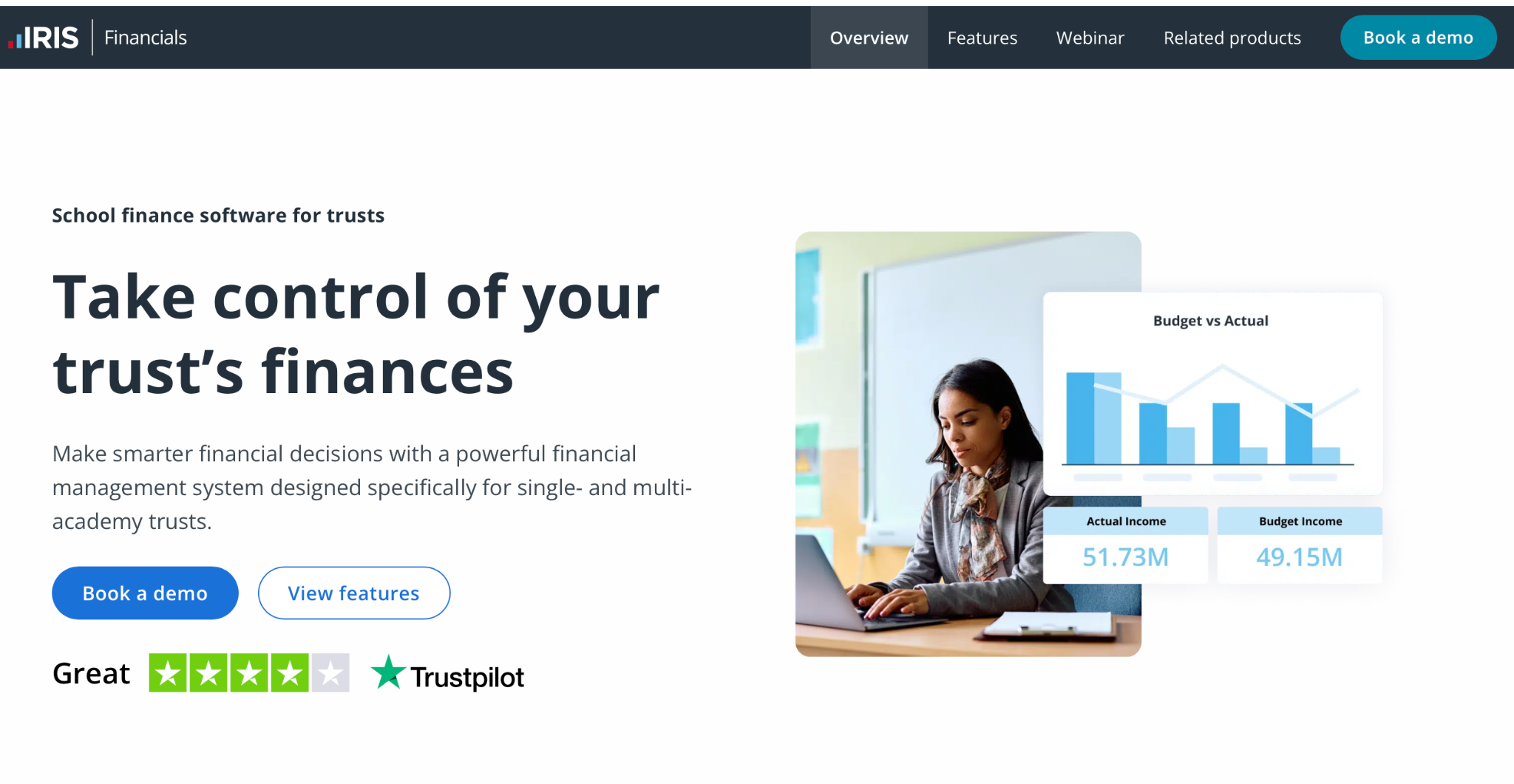
IRIS Financials is a cloud-hosted accounting system built for UK multi-academy trusts (MATs), single-academy trusts (SATs) and local authority finance teams. It uses a unified ledger, so every school in the trust posts to the same structure. It also maps directly to the DfE’s academies chart of accounts.
For trusts already in the IRIS ecosystem, integration is a key advantage. IRIS Financials connects with IRIS HR, IRIS Payroll, and the wider IRIS Education suite. This allows finance data to flow between payroll, HR, and accounts without manual imports. If your trust already uses IRIS for school management, adding Financials keeps all these systems within one vendor’s stack.
IRIS Financials can automatically generate more than 130 reports, including statutory returns. Its live banking integration also supports payee verification, account reconciliation, and bulk payments across the trust.
Key features
- Unified ledger: All schools post to one shared structure mapped to the DfE chart of accounts
- Automated statutory returns: Over 130 reports, including the academy accounts return, generated without re-coding
- Live banking integration: Payee verification, reconciliation and bulk payments connect directly to the system
- IRIS Education suite integration: Finance data flows to and from IRIS HR, Payroll and other IRIS modules
Pricing
IRIS Financials is listed on the UK government’s G-Cloud framework at £2,568 per user per year, with education-specific pricing available on request. Contact IRIS directly for a custom quote for your trust’s size and user count.
Pros
- DfE chart of accounts is built into the ledger structure, so there’s no year-end re-coding
- Integrates natively with the IRIS Education suite, keeping everything on one platform
- Over 130 automated reports reduce the manual reporting burden at year-end
Cons
- Trusts not already using IRIS for school management lose the integration advantage
- Independent reviews are too sparse to draw conclusions from (just one reviewer on GetApp)
- Getting an accurate quote requires contacting IRIS directly
3. Access Education Finance
Best for: Trusts that want per-school pricing with a linked budgeting tool.
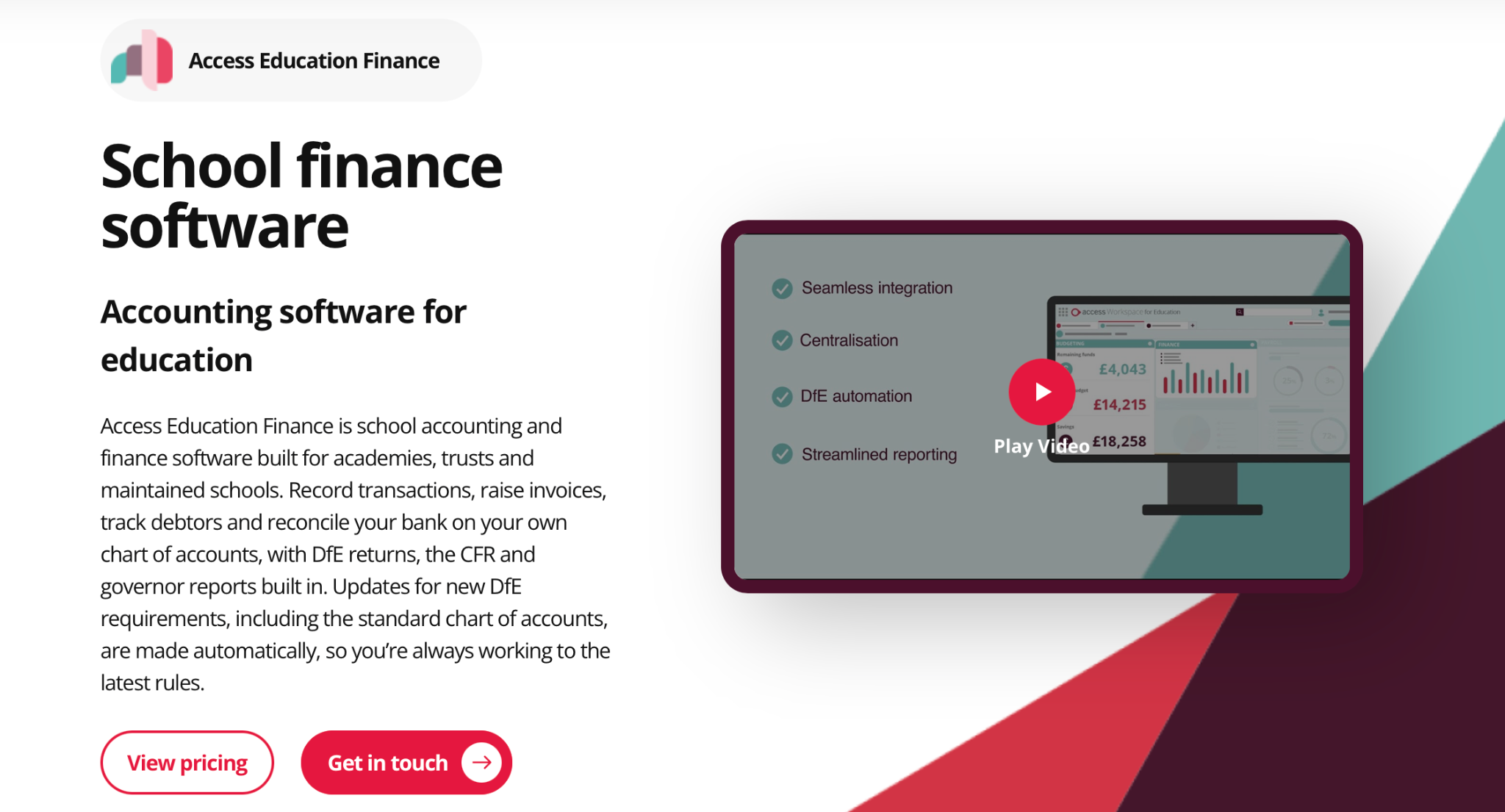
Access Education Finance is part of The Access Group’s education portfolio and is designed for UK schools and multi-academy trusts. Its consolidation module comes as standard for MATs, so you don’t need a separate product to produce trust-level accounts and reports.
Access’s pricing model is based on pupil numbers and school count, rather than the number of users. Each school can have up to 100 users on a single subscription. So, for large trusts with many staff who need system access, this often works out cheaper than per-user pricing.
Access also offers Access Education Budgets, a separate budgeting tool that shares data dynamically with the finance system. Both products are billed separately, but you get a discount when you buy them together.
Key features
- Trust-level consolidation: Consolidate income, expenditure and balance sheet across every academy in one system
- Automated DfE returns: Academy accounts return and CFR generated from live data without re-coding
- Workflow and authorisation: Configurable approval chains for purchase orders, invoices and payments
- Linked budgeting: Dynamic data link to Access Education Budgets for real-time budget monitoring alongside actuals
Pricing
Pricing for Access Education Finance starts from £3,950/year + £1/pupil for a two-school MAT, with the per-school cost reducing as schools are added. Specific quote depends on school/trust type, size, pupil numbers, and contract length. Request a custom quote from Access for an accurate figure for your trust.
Pros
- Per-school pricing based on pupil numbers, not user count, means a growing trust doesn’t pay extra just for adding users
- Consolidation comes as standard, so there’s no separate module to buy for trust-level reporting
- Up to 100 users per school gives budget holders across the trust direct access
Cons
- Budgeting requires a separate subscription
- The system is education-specific, so trusts that also run trading subsidiaries may need a second system for those entities
- Independent reviews are limited, making it harder to assess user experience beyond the vendor’s claims.
4. Sage Intacct
Best for: Larger MATs with complex fund structures that want enterprise-grade cloud financials and a wide UK partner network.
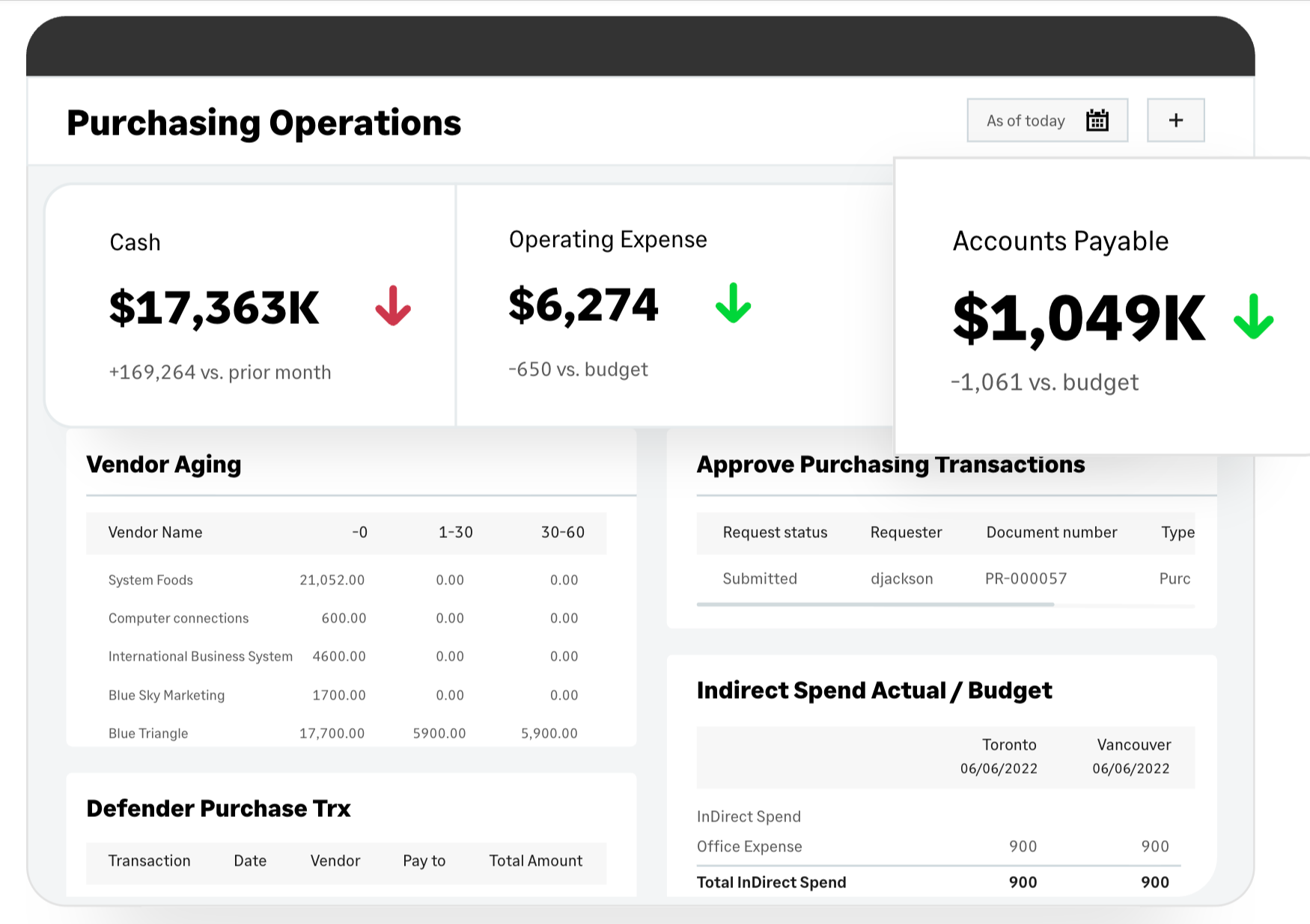
Sage Intacct is an enterprise-grade cloud accounting system that Sage markets to UK multi-academy trusts through education-specific configurations. It supports fund accounting, multi-dimensional reporting and automated consolidation. UK partners like Solutions for Accounting and TSG typically handle its implementation.
Sage Intacct runs on a single shared chart of accounts, allowing trusts to automatically consolidate financial data and produce trust-wide reports.
One example is Sapientia Education Trust, a 16-school trust across Norfolk and Suffolk that moved from Sage 200 to Sage Intacct because its previous system could not provide consolidated accounts.
However, Sage Intacct typically has more functionality than a small trust needs. It is designed for organisations with complex fund structures, multiple reporting dimensions and advanced approval workflows. A trust with three or four academies may not use that depth.
Key features
- Multi-dimensional reporting: Tag transactions by fund, school, department, grant, and custom dimensions for flexible analysis
- Fund accounting: Track restricted and unrestricted funds with controls preventing cross-fund spending
- Automated consolidation: Trust-level accounts consolidate automatically from a shared chart of accounts
- Rule-based approvals: Configurable workflows route transactions based on amount, type, school or fund
Pricing
Sage Intacct is priced from £1,200 per month. Each customer gets a bespoke quote that scales with user count, entity count, and modules. Implementation is handled by a UK partner.
Pros
- Multi-dimensional reporting gives trusts with complex fund structures the analysis depth they need
- A wide UK partner network gives you local education-specific support
- Cloud-native with no desktop dependency, so finance teams can work from any location
Cons
- Starting price and additional implementation cost put it out of reach for smaller trusts on tight budgets
- Implementation runs through a partner rather than Sage directly
- DfE chart of accounts isn’t built-in. You’ll need a partner to configure it
5. Bromcom Finance
Best for: MATs already on Bromcom MIS wanting finance on the same platform.
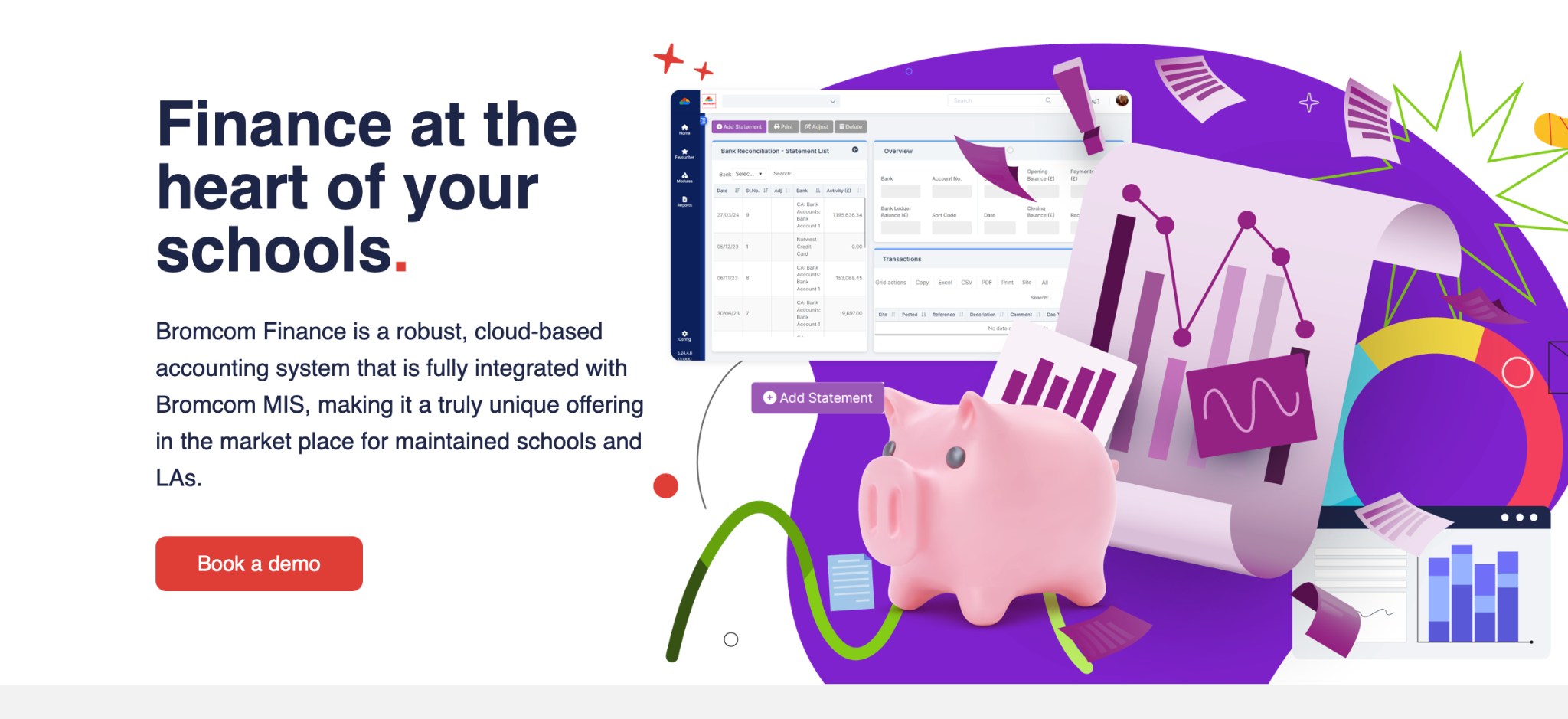
Bromcom Finance is a cloud-based accounting module developed alongside Bromcom’s management information system (MIS). If your trust already uses Bromcom for pupil data, attendance and timetabling, Finance connects to the same database.
Bromcom Finance comes with the DfE’s chart of accounts pre-loaded and supports automatic accounts renewal and Making Tax Digital compliance. It also has a central dashboard that lets trust staff view and compare financial data across all schools, with consolidated or individual school views of actuals, commitments and budgets.
For trusts that don’t use Bromcom MIS, they lose the main advantage: integration. The finance module becomes a standalone product without the connected data environment.
Key features
- Integrated MIS data: Finance sits on the same database as Bromcom MIS, so staffing, pupil and financial data share one source
- DfE chart of accounts: Pre-loaded and ready to use, with automatic accounts renewal and MTD support
- Trust-wide dashboards: Live leadership dashboards with exportable widgets covering every academy
- Granular access control: Limit visibility and approval rights by school, financial year, budget holder or ledger code
Pricing
Bromcom doesn’t publish Finance’s pricing. You get a custom quote after you request a demo through Bromcom’s website.
Pros
- Live dashboards give the leadership team a view of every academy
- Direct integration with Bromcom MIS puts finance, HR, and pupil data on one platform
- Set up with the DfE chart of accounts, with AAR and MTD support
Cons
- The integration advantage disappears if your trust doesn’t run Bromcom MIS
- Independent reviews are few, so it’s harder to evaluate performance outside vendor material
- It is designed specifically for UK education settings, so trusts with non-school entities may need a separate accounting system for those.
6. Civica Financials
Best for: Established MATs that want a multi-company FMIS with deep education experience.

Civica Financials is a multi-company finance system from Civica, a major UK public-sector software provider. More than 2,500 UK academies use Civica’s school management software, and over 70 of the larger MATs work with Civica. It has more than 30 years’ experience in the education sector.
Civica Financials runs on a single database with multi-company functionality. A trust can start with one academy and add more as it grows, without switching systems. It supports multiple cost centres, nominal codes and additional accounting dimensions, allowing trusts to compare spending across departments, academies and other groupings.
Civica Financials covers the full finance suite, including general ledger, cashbook, asset management, budgeting, creditors, debtors and procurement. It also maps to the Consistent Financial Reporting (CFR) framework, supports the Academies Accounts Return and is compatible with Making Tax Digital.
Key features
- Multi-company on one database: Run every academy from a single database with no per-school file management
- Flexible accounting dimensions: Track and compare spending by cost centre, academy, department, fund or custom dimension
- Full finance suite: GL, cashbook, asset management, budgeting, creditors, debtors and procurement in one system
- DfE compliance: CFR framework mapping, academy accounts return and MTD compatibility built in
Pricing
Civica doesn’t publish pricing for Civica Financials. Contact Civica directly for a quote based on your trust’s school count and module selection.
Pros
- More than 2,500 academies and 70+ larger MATs work with Civica, giving it deep education-sector experience and a large reference base
- Multi-company architecture means a growing trust can add academies without migrating to a new system
- ISO 27001 certified hosting and GDPR compliance provide data security assurance
Cons
- No published pricing makes it hard to compare costs without a sales process
- The suite covers more than finance, so scope the modules you need before you ask for a quote
- Independent reviews are limited, making it harder to assess the product beyond Civica’s own claims.
How to choose the right multi-academy trust accounting software
Choose based on your trust’s size, existing systems, and reporting needs:
- If you are a growing MAT that needs consolidation and fund accounting in one cloud system, iplicit is built for that. It handles intercompany entries and eliminations automatically and includes fund accounting as standard.
- If your trust already runs IRIS for school management, IRIS Financials helps you keep finance data in the same stack. With it, you won’t have to worry about integrating a separate system.
- If you need enterprise-grade reporting across a large, complex trust, Sage Intacct gives you multi-dimensional analysis and a wide UK partner network. But it does so at a high cost.
- If you are on Bromcom MIS and want finance on the same platform, Bromcom Finance connects directly to your existing data.
Pick the system your trust can scale with
If your trust is growing and your current system can’t consolidate accounts across academies without spreadsheets, you need to switch. And that’s mainly because, as you add more academies, the manual work will only take up more of your finance team’s time.
So, adopt dedicated MAT software like iplicit that handles DfE compliance, fund accounting, and trust-wide reporting from day one. That way, your finance team can spend less time on manual data entry and more time on financial analysis.
Want to see how iplicit handles consolidation, fund accounting, and academy-level reporting in one system? Then, book a demo or take the Quick Tour.
Does MAT accounting software have to map to the DfE chart of accounts?
Does MAT accounting software have to map to the DfE chart of accounts?
Adopting the DfE’s academies chart of accounts is voluntary, but MATs in England must submit the academies accounts return and the budget forecast return, which are built on it. Software that maps to the chart from the outset saves your team from re-coding transactions at year-end. All six tools reviewed here support the chart.
Can a single academy trust use the same software as a MAT?
Can a single academy trust use the same software as a MAT?
Yes. Most of these tools also support single-academy trusts (SATs), although you will likely pay for multi-entity features you don’t currently need. If you expect to grow or join a MAT, choosing a scalable system now could save you a migration later.
What happened to the ESFA?
What happened to the ESFA?
The Education and Skills Funding Agency (ESFA) closed on 31 March 2025, and its responsibilities transferred to the Department for Education (DfE) on 1 April 2025. The DfE now publishes the Academies Accounts Direction, which sets out the financial reporting requirements for academy trusts. The 2025 to 2026 edition, covering accounting periods ending 31 August 2026, was published on 25 March 2026.
How long does it take to switch MAT accounting software?
How long does it take to switch MAT accounting software?
Timelines depend on the trust’s size and data complexity. Data migration is often the most critical stage, particularly for mid-year switches, when opening balances must be transferred accurately. iplicit offers dedicated onboarding support and a sandbox environment where your team can test the system before go-live.
What is the difference between fund accounting and standard accounting?
What is the difference between fund accounting and standard accounting?
Standard accounting tracks income and expenditure across an organisation’s accounts. Fund accounting adds another layer by separating money by source and spending restrictions, like GAG funding, pupil premium, capital grants, and unrestricted income. It also tracks how each fund is spent to ensure the money is used for its intended purpose. For MATs, this is essential for meeting funding and reporting requirements.