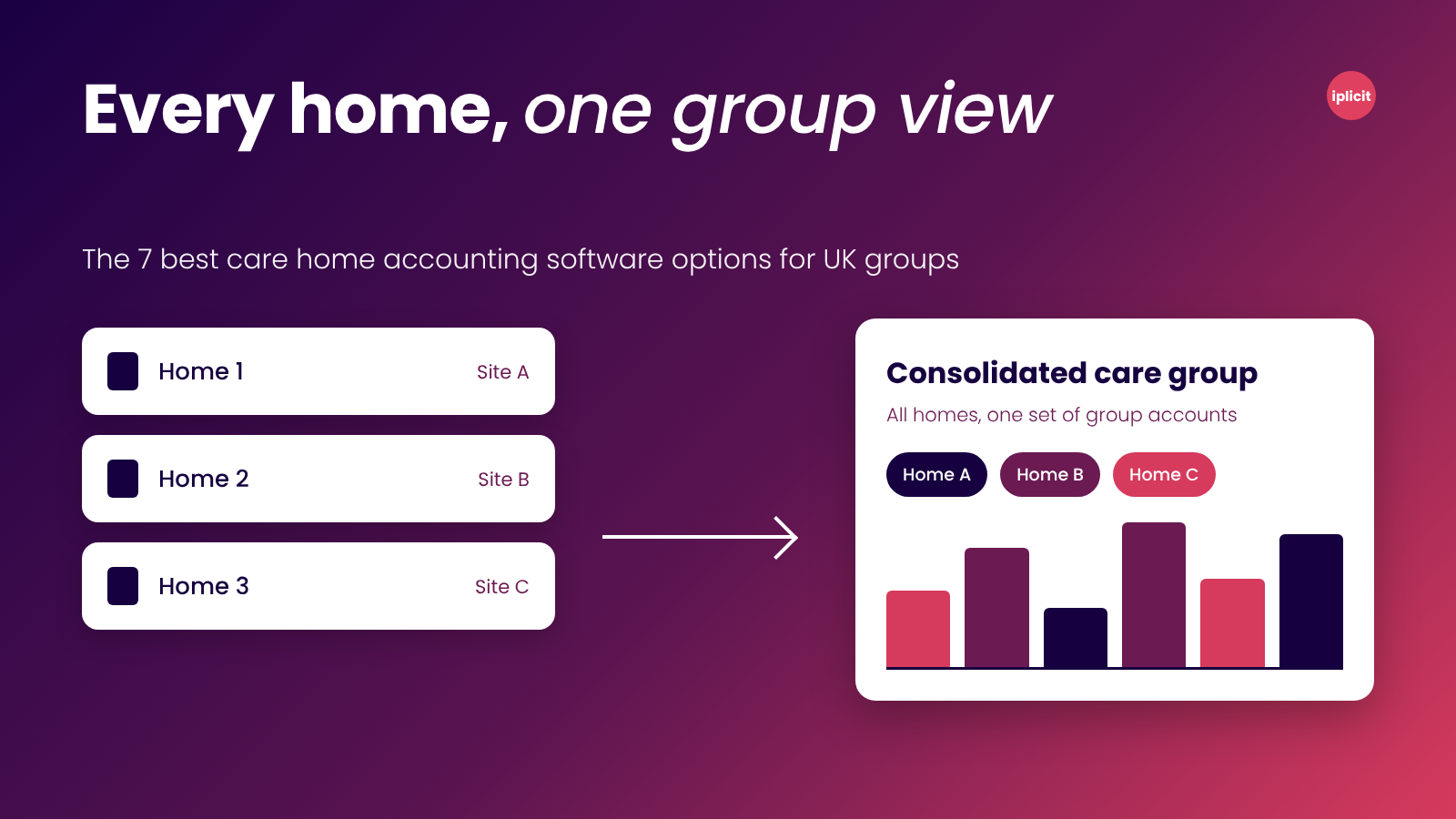
The right care home accounting software depends on how many homes and legal entities you run. If you run multiple entities and want per-home reporting and consolidation in one system, iplicit and Access Financials are the top two options. But if you run a single home and are operating on a tight budget, Xero will likely meet your needs.
Quick comparison
Care home accounting can get complicated quickly
For most care homes, income comes from multiple sources. For example, councils pay care homes an average of £908 a week for a residential place, while private residents pay £1,278, based on 2024 to 2025 LaingBuisson figures reported by Which?.
Most homes accommodate both types of residents, alongside residents receiving NHS-funded nursing care and those whose relatives pay for additional services.
That mix of income sources is why a typical care group’s finance team has to stitch figures together in Excel at month-end. And while a general ledger can record all these transactions, it still needs the right structure to show which home, funder, and cost category contributed to revenue or drove costs.
This article reviews accounting software that can reduce this manual work, with options for single home, multi-home, and multi-entity groups.
But first, a quick word about who is writing this.
Why listen to us?
At iplicit, we build cloud accounting software for multi-entity organisations. Features like dimensional reporting and multi-entity consolidation help finance teams track performance across individual sites and bring the figures together at group level.
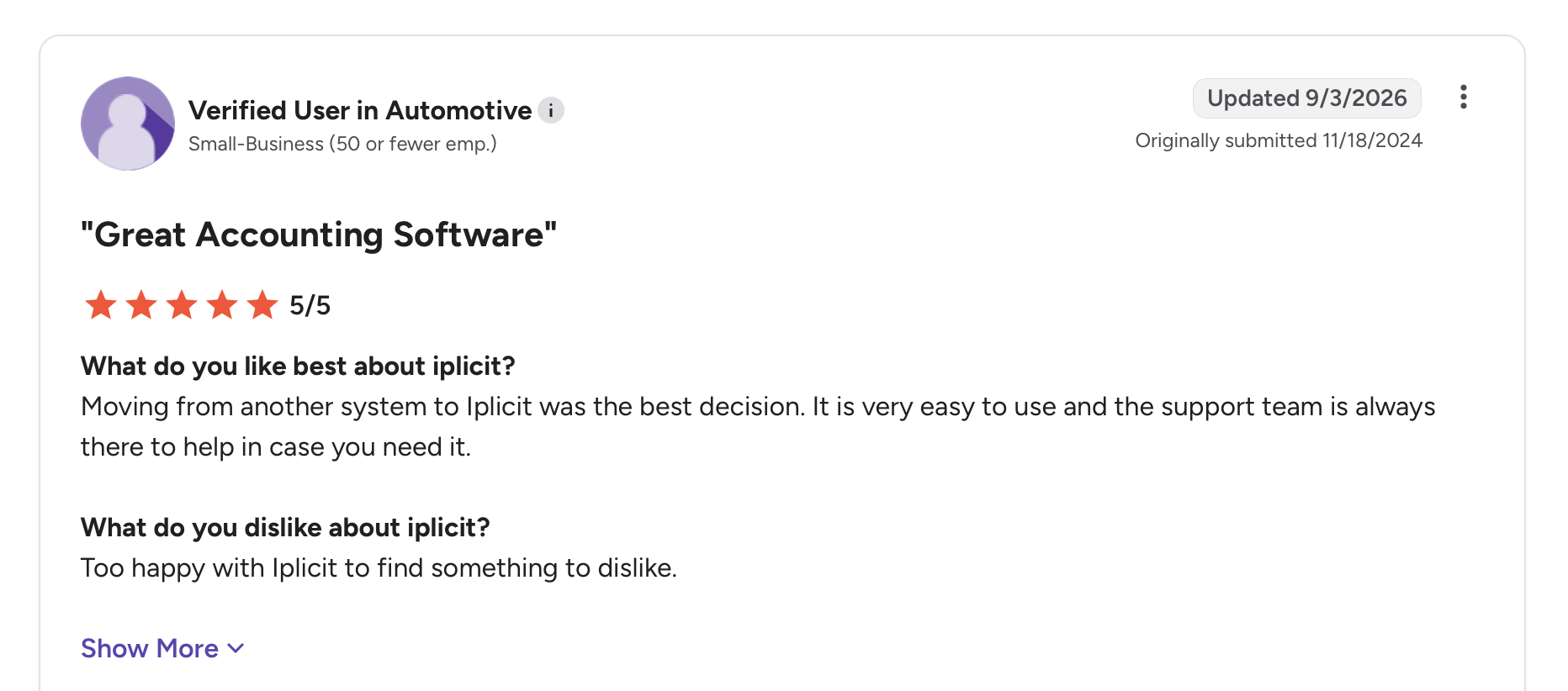
“Moving from another system to iplicit was the best decision. It is very easy to use and the support team is always there to help in case you need it.”
Verified user in automotive, G2 review (5/5)
That is the lens we used to assess the options in this article for care home groups.
What is care home accounting software?
Care home accounting software is finance software that records a care provider’s income, costs and cash, then reports them by home, funder and legal entity. It covers the ledger, supplier invoices, bank reconciliation, VAT, and, for groups, consolidation across companies.
Care management and rostering software is different and sits in a separate category. It handles care plans and shifts, and you’ll typically run it alongside your accounting system and connect the two to keep operations efficient and profitable.
Why is care home accounting software important?
Care home accounting software helps you manage the financial complexity of running one or more homes. You need one because:
- Funders pay different rates: Councils, the NHS and private residents have different payment arrangements. Your accounting system needs to track income by source so you can see what’s owed and where revenue comes from.
- Group-level profit and loss can hide underperforming homes: Reporting each home separately lets you compare revenue, costs, and margins by location instead of relying on one combined group figure.
- Costs can cross home and company boundaries: Central finance teams may need to split bills and payments across several homes, legal entities, and residents. The iplicit care home accounting guide highlights how one invoice can require adjustments across multiple journals when these costs are allocated manually. Accounting software helps automate these allocations and reduce manual work.
- Regulators watch provider finances: The CQC’s Market Oversight scheme monitors the financial sustainability of certain large or specialist care providers in England. Accounting software provides accurate, up-to-date accounts that help operators monitor cash flow, costs, and financial performance. This makes it easier to spot problems before they threaten the business.
How we evaluated the options in this article
We judged each tool on what a multi-home UK finance leader needs. We considered features like:
- Per-home reporting: Can you see the profit and loss for each home from one ledger?
- Consolidation: Can you combine homes held in separate companies into one view without running Excel?
- Funding and resident tracking: Can you separate council, NHS, and private income?
- Cost control: Can you see who ordered what and who approved it?
- Integrations: Does it connect to your care management and payroll systems?
- Pricing clarity: Does the vendor publish a price, or at least a model?
The 7 best care home accounting software options: detailed reviews
1. iplicit
Best for: Groups with several homes and legal entities.
Our cloud accounting software, iplicit, brings multi-entity consolidation, flexible reporting dimensions and approvals into one platform.
For a care group, you can use a dimension to identify each home on relevant transactions, including agency invoices and payroll journals. This lets you produce a profit and loss report for each home from one ledger and see how costs affect margins at each site, without maintaining separate sets of books.
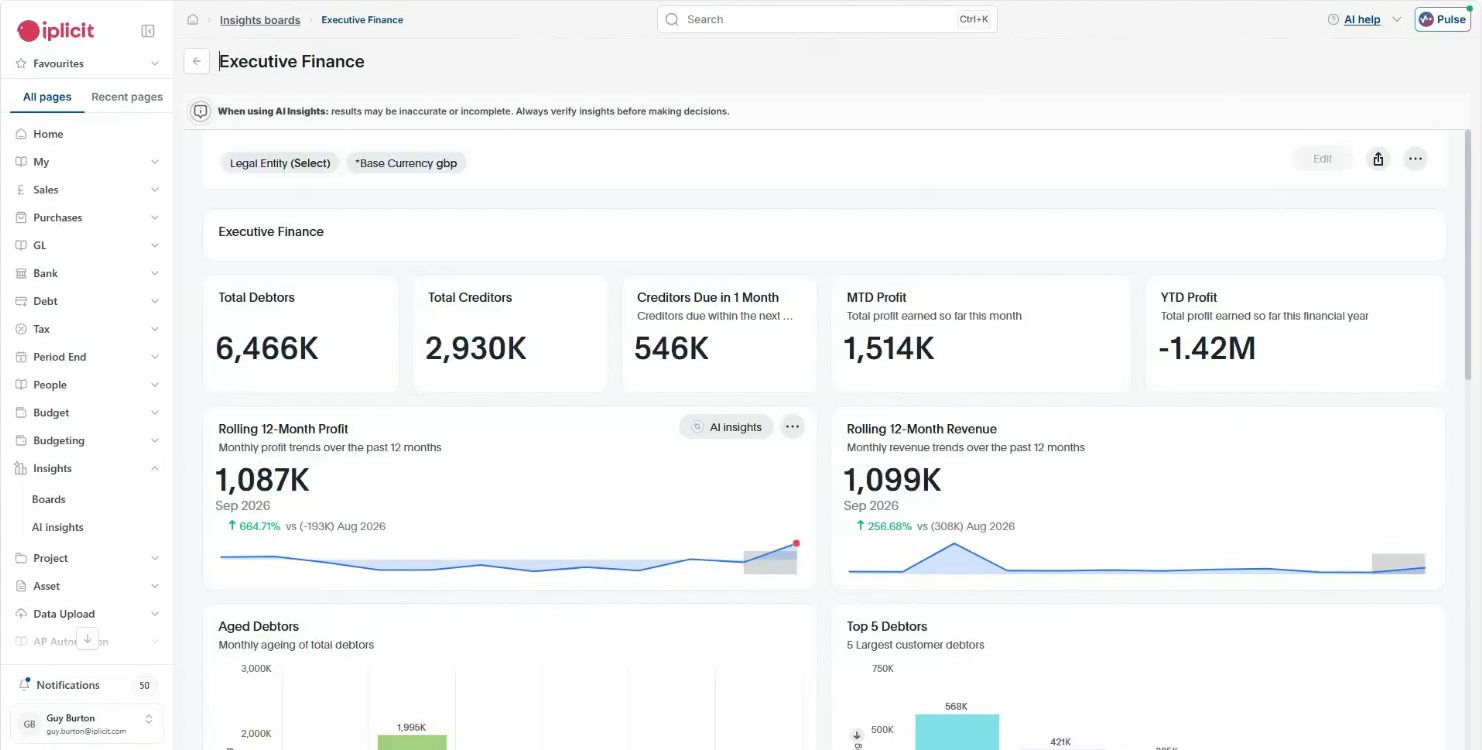
Care groups also rarely operate through a single company, and iplicit is built to support multi-entity organisations.
When head office pays for something on behalf of a home in another company, iplicit records the matching intercompany entries. The system then brings the entities together in consolidated group reports, without relying on a spreadsheet. Each entity can also have its own currency and tax settings. And you can use dimensions instead of creating separate accounts for each home, keeping your chart of accounts manageable as the group grows.
While adopting iplicit, your finance team doesn’t have to give up Excel. You can pull live iplicit data into Excel with formulas that refresh on demand, so your board pack keeps its layout without depending on a month-end export.
We’ll be honest: iplicit isn’t perfect. Its budgeting and forecasting capabilities cover the basics but may not meet the needs of groups looking for deeper FP&A functionality. It also doesn’t manage care plans or resident records. Those remain in your care management system, which has to be connected to iplicit.
Key features
- Dimensions: Analyse key reports by home, unit, funder, or cost type without expanding the chart of accounts.
- Group accounting: Consolidate across entities and currencies in one system, with drill-down to the source transaction available.
- Intercompany handling: Record an intercompany transaction once and iplicit creates the matching entry in the other entity, with eliminations handled for you.
- Approvals and audit trail: See who ordered what, what it cost, and who approved it before the invoice is paid, using our approval workflows.
- Entity-level access: Limit each user to the entity or site they work in, so a home manager sees only their own records.
- Resident identifiers: Give each resident a unique identifier to trace every funding source, and track money received for a specific purpose until it’s spent.
- Care system integrations: Connect to EpicCare and Fusion Care Home Management, or use our integrations to connect to other systems via an open API.
Pricing
iplicit offers transparent subscription pricing that scales with your users and entities, with fund accounting, multi-entity and multi-currency capability included rather than sold as extra modules. It’s sold as an annual subscription. See our licensing agreement for full terms, or book a demo to see it in action.
Rating
4.5 out of 5 on G2 (based on 148 reviews)
Pros
- One ledger gives a profit and loss for each home, so you can stop keeping separate sets of books.
- Intercompany entries and eliminations are created for you, which takes manual consolidation out of month-end processing.
- Integrates with EpicCare and Fusion Care Home Management, and the open API covers other care systems.
Cons
- We don’t have a care home case study yet.
- Care plans and resident records stay in your care management system, so you'll need to manage two systems.
- Budgeting and forecasting features cover the basics but lack the depth of a dedicated planning tool.
2. Xero
Best for: One home, or a small group in a single company.

Xero is cloud accounting software for small organisations. It suits a single care home or a couple of homes operating under one company. It is affordable, widely used by accountants, and easier to manage than a larger group accounting system.
To report results by home on Xero, you can use tracking categories. However, Xero allows only two active tracking categories at a time. That is enough to track each home and one other dimension, like service type, but adding a third, say funder, requires a workaround.
You can manage several organisations from one Xero login, but each one needs its own subscription, and there’s no longer a multi-organisation discount. So, you’ll pay the full plan price for each extra company. For consolidated group reporting, Xero’s own multi-entity guidance points users towards exporting data or using group reporting tools. This means your finance team may still need Excel to finish month-end reporting.
If you have outgrown Xero, here’s a guide on migrating from Xero.
Key features
- Tracking categories: Split income and costs by home and one other category. Xero allows only two active tracking categories at a time.
- Multiple organisations: Switch between several companies from one login, each on its own subscription.
- Bank feeds: Pull in bank transactions for reconciliation.
- Multi-currency: Invoice and pay in other currencies on the Comprehensive and Ultimate plans.
Pricing
Xero’s UK plans, all excluding VAT and effective from 1 September 2026, are:
- Ignite: £18 a month
- Grow: £39 a month
- Comprehensive: £55 a month
- Ultimate: £70 a month
Rating
4.4 out of 5 on G2 (based on 1,859 reviews)
Pros
- Ignite costs £18 a month excluding VAT, the lowest published price on this list.
- Bank feeds pull transactions in for reconciliation, which suits a single home.
- Group reporting apps in Xero’s app store, like Joiin, can consolidate several Xero organisations.
Cons
- Two active tracking categories limit how many ways you can analyse each home’s income and costs.
- You need exports or a separate group reporting tool to consolidate figures across organisations.
- There’s no longer a multi-organisation discount.
3. Access Financials
Best for: Care groups that want care-specific billing.
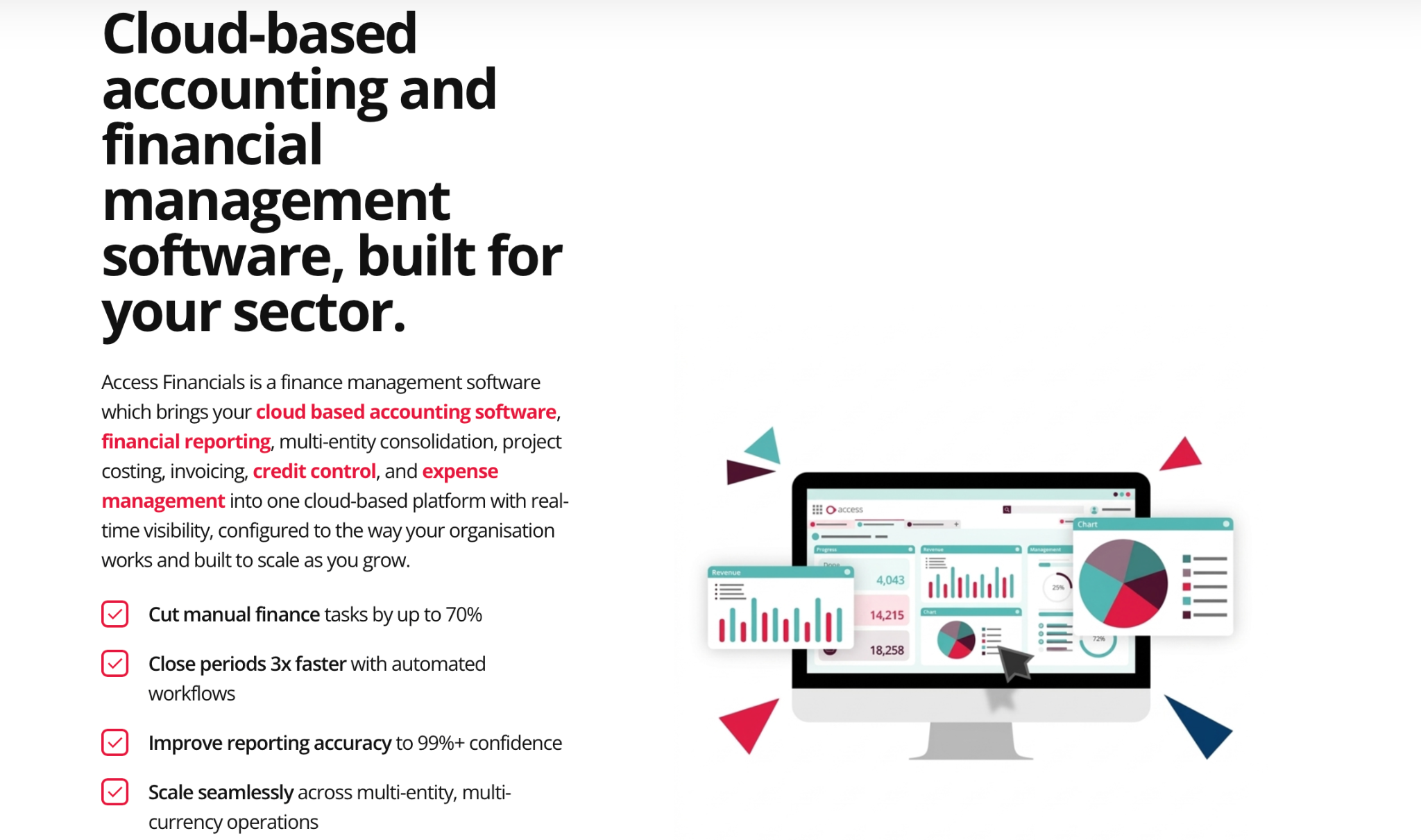
Access Financials is The Access Group’s finance product, and the group describes it as being purpose-built for UK private care providers. It sits on the Access Evo platform, which lets it connect finance data with payroll, HR and care management.
Access says its finance software supports multi-site consolidation, with a separate profit and loss report for each home. Access Financials also offers automated billing across NHS contracts, local authorities and private payers, alongside templates for CQC and NHS returns. If resident billing across different funders is your biggest challenge, Access Financials is worth considering.
If you already use Access Financials but need to move off it, check out our guide on migrating from Access.
Key features
- Multi-site consolidation: View each home’s profit and loss alongside the group’s.
- Funder billing: Bill NHS contracts, local authorities and private payers from one system.
- Care management link: Connect finance to Access Care Management through Access Evo.
- Excel integration: Pull and push figures between the ledger and spreadsheets.
Pricing
Access publishes a starting price for Access Financials of around £10,508/year for a company with 40 employees. The pricing page directs you to book a call to get a custom quote.
Rating
4.2 out of 5 on G2 (based on 20 reviews).
Pros
- Built around UK private care providers, with billing for NHS, council and private funders.
- Links to Access Care Management, so finance and care records can share data.
- Access names compliance templates for CQC and NHS returns.
Cons
- Only a starting price is published, so you’ll need a call to get a full quote.
- Integration with care management software is most direct within the Access product suite; other systems connect through an API.
- The G2 rating is based on just 20 reviews.
4. Sage Intacct
Best for: Larger groups that want a mid-market tool.
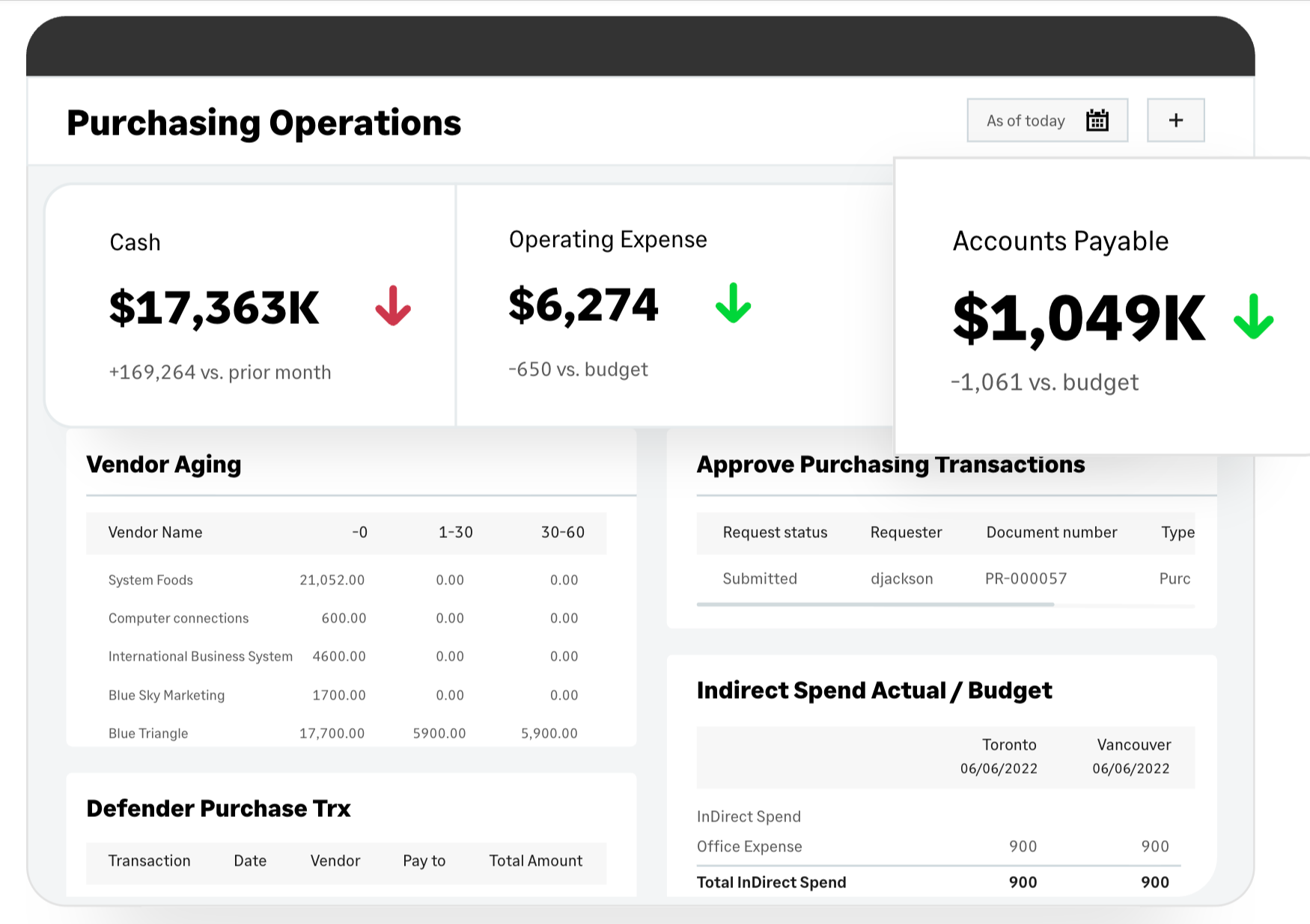
Sage Intacct is Sage’s cloud financial management system for mid-sized organisations. It offers multi-entity consolidation and dimensional reporting, making it a mid-market alternative to iplicit.
Sage partner, PKF Smith Cooper Systems, promotes Intacct to care home groups. Its offering includes role-based dashboards for regional and home managers which combine financial data with operational figures like beds available and occupied.
The partner also says Intacct can consolidate hundreds of entities and eliminate intercompany transactions within minutes. Sage’s pricing depends on your accounting team’s size and the modules you choose.
Key features
- Multi-entity consolidation: Combine entities that run on one database into group reports.
- Inter-entity transactions: Post the matching journal entries for cross-company transactions.
- Role-based dashboards: Give regional and home managers their own performance view.
- Approval workflows: Route spending for sign-off before it’s paid.
Pricing
Sage Intacct pricing starts from £1,200 a month (Essentials), excluding VAT. The full Sage Intacct platform is priced on request. Essentials supports up to four entities and five business users, so larger groups will need the full platform.
Rating
4.3 out of 5 on G2 (based on 4,549 reviews).
Pros
- Sage Intacct can consolidate hundreds of entities, giving growing care groups room to add more homes.
- Dashboards can combine financial data with operational metrics, such as occupied beds.
- Sage publishes a starting price for its Essentials package, giving you a baseline for budgeting before a demo.
Cons
- Essentials is limited to four entities, which growing care groups may outgrow quickly.
- Pricing for the full platform is quote-based, and the modules you choose affect the total cost.
- The 4.3 G2 rating reflects feedback from customers across all industries, not just care providers.
5. Sage 200
Best for: Groups already working with a Sage partner.
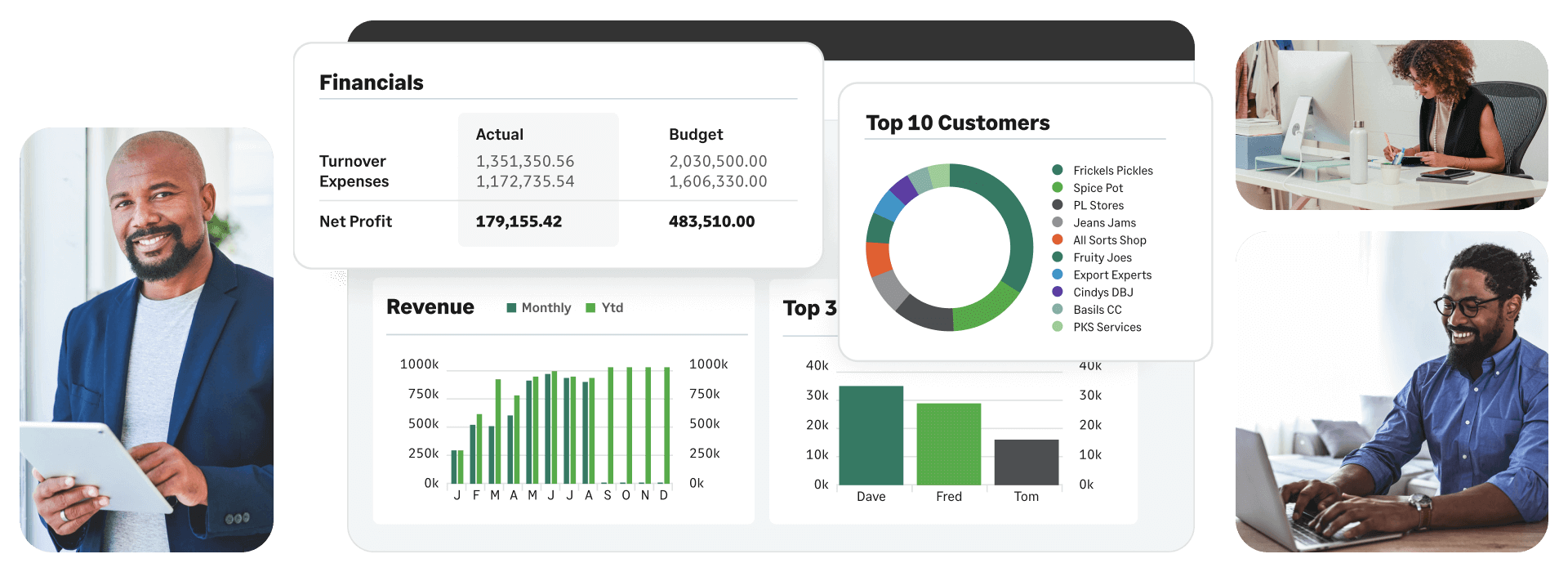
Sage 200 is Sage’s finance and operations system for mid-sized organisations, available in Standard and Professional editions. Standard includes financial and stock management capabilities, while Professional offers more customisation for complex processes.
Both editions support multi-company consolidation. However, Standard consolidates only in the base currency, while Professional supports multi-currency consolidation. Third-party add-ons are also available only on Professional.
A care group operating entirely in sterling may find Standard sufficient for consolidation, but groups needing multi-currency support or third-party integrations will need Professional.
Key features
- Multi-company consolidation: Combine several companies into group figures.
- Stock control: Track stock alongside the finance ledger.
- Edition choice: Pick Standard or Professional depending on how much customisation you need.
- Add-on support: Extend Professional with third-party add-ons.
Pricing
Sage doesn’t publish Sage 200 prices on its UK pages. You request a quote from Sage or a Sage partner.
Rating
4.3 out of 5 on Capterra (based on 48 reviews)
Pros
- Multi-company consolidation is included in both editions.
- Financial and stock capabilities sit in one system.
- Sage partners can configure and support it, which suits groups that already work with one.
Cons
- Standard consolidates in base currency only.
- Third-party add-ons need the Professional edition.
6. AccountsIQ
Best for: Multi-entity groups with no care-specific needs.
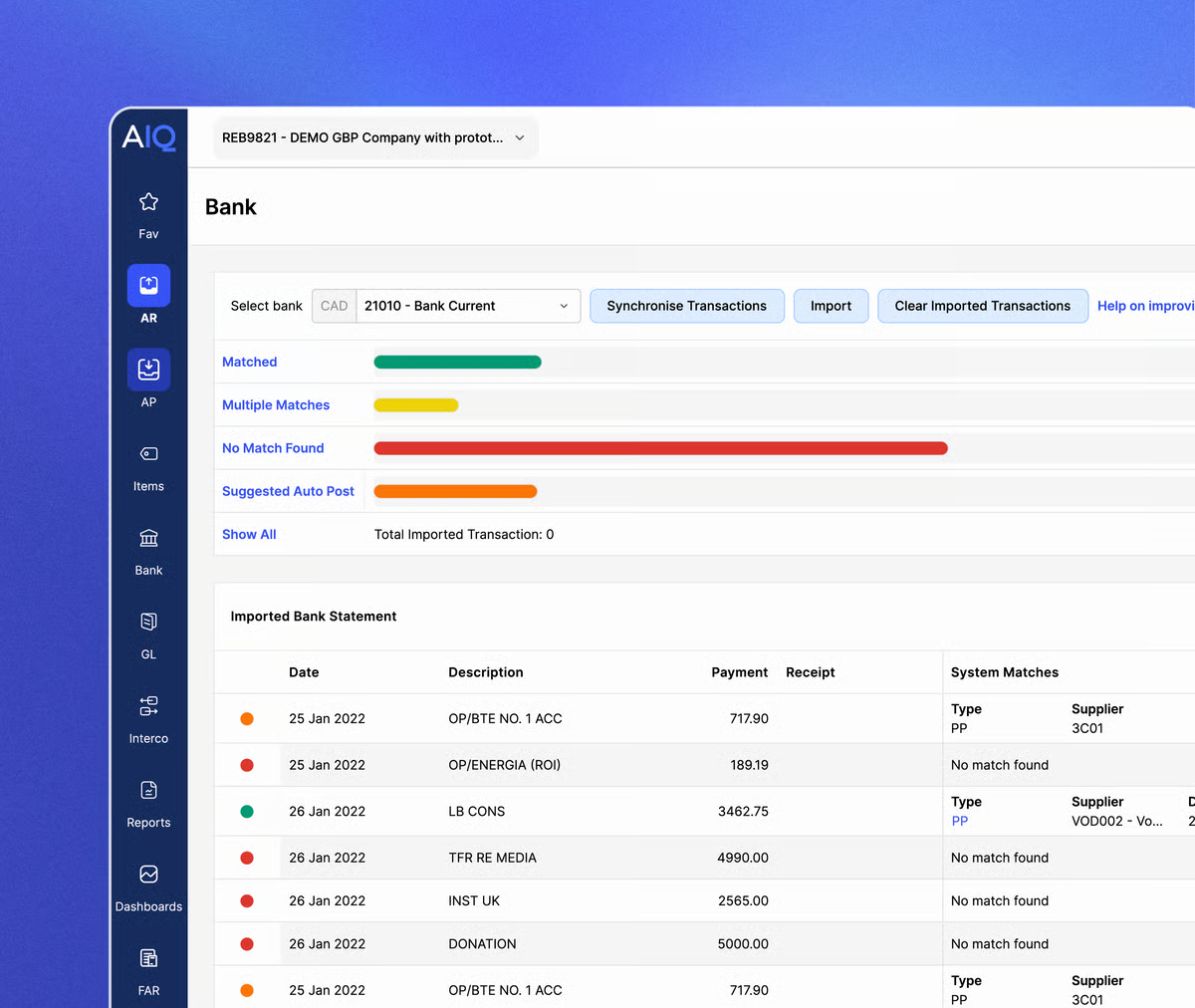
AccountsIQ is cloud accounting software for mid-sized organisations and groups, with multi-entity accounting at its core.
Its plans differ mainly in the features and capacity they offer. Core covers one entity and two users, so care groups will need a higher plan. Growth adds purchase and sales order processing, unlimited approval steps, API access, and reporting across up to four dimensions. Scale increases dimension capability to six.
Key features
- Multi-entity accounting: Run several entities and consolidate them in one environment.
- Approval workflows: Set unlimited approval steps on the Growth plan and above.
- Dimension analysis: Report across four dimensions on Growth and six on Scale.
- API access: Connect other systems through the API from the Growth plan.
Pricing
AccountsIQ says plans start from €275 per month for Core, with custom pricing aligned to your organisation’s needs.
Rating
4.4 out of 5 on G2 (based on 114 reviews).
Pros
- Growth and Scale include unlimited approval steps, helping care groups manage purchasing approvals across homes.
- API access on Growth and above allows integration with care management systems.
- Multidimensional analysis lets you report income and costs by home, funder, cost type, and other categories.
Cons
- Only the Core starting price is published.
- The number of dimensions is limited, even on the highest-tier plan.
7. Xledger
Best for: Care groups that want analysis by bed and resident.

Xledger is a cloud finance system with a dedicated offering for care homes and hospices. Its care page describes consolidated reporting across all sites, with drill-down by resident, bed and service type. This lets you analyse income and costs by individual bed and type of care.
Other listed features include recurring billing with integrated direct debits, budget-holder dashboards and an expenses module with a mobile app for care homes. Ask for references from providers with a similar number of homes and operating structure as yours.
Key features
- Multi-entity consolidation: Report across all sites in one consolidated view.
- Bed and resident drill-down: Analyse income and costs by resident, bed and service type.
- Recurring billing: Raise recurring invoices with integrated direct debits.
- Budget-holder dashboards: Show home managers their own budgets and spend.
Pricing
Xledger doesn’t publish prices. However, it charges a monthly subscription plus a one-off implementation fee. Exact costs depend on your organisation’s size and structure.
Rating
4.5 out of 5 on Capterra (based on 30 reviews).
Pros
- Xledger’s care offering supports analysis by bed, resident, and type of care.
- Recurring billing with integrated direct debits helps manage payments from private residents.
- Budget-holder dashboards give home managers visibility into their own figures.
Cons
- References from care providers of a similar size are worth asking for.
- Its Capterra rating is based on a relatively small pool of 30 reviews.
- Pricing isn’t published, so you’ll need to contact Xledger for a quote.
How to choose the right care home accounting software
Decide based on how many homes you run, how they’re structured, and which features matter most to you:
- If you run one home under one company, choose Xero. It’s affordable, and its limitations are unlikely to affect you.
- If resident billing across NHS and council contracts is your main challenge, consider Access Financials and Xledger first. Both offer care-specific billing or reporting features.
- If your homes operate across several companies and you want multi-entity consolidation and automated intercompany accounting, iplicit or Sage Intacct both offer those.
- If you already work with a Sage partner, Sage 200 may be a good fit, particularly if you need a finance and operations system.
- And if you need multi-entity reporting without care-specific features, consider AccountsIQ.
Whichever option you pick, ask for a reference from a group your size, and test your own month-end on the system before you sign. You’ll learn more from that pilot than from any demo alone.
Adopt the system that matches how your group is built
The right care home accounting system depends on how your homes are structured and what your finance team needs. So, take your time to assess your bottleneck before reviewing options.
If that bottleneck is that your homes sit across several companies and you’re tired of consolidating figures in Excel, you need a system that brings your entities together and automates intercompany accounting. That’s exactly what iplicit is built for.
Book a demo, and we’ll walk you through how iplicit can support your group structure. If you’d rather look around first, take the Quick Tour. You can also explore group accounting, automated consolidation, and our care homes page.
Is care home accounting VAT exempt?
Is care home accounting VAT exempt?
Regulated residential care services are generally exempt from VAT when supplied by a qualifying provider, including when a local authority pays for the care. This can include accommodation, board and other services provided as part of the care package. However, separately supplied goods or services may be taxable. Because exempt supplies generally limit the VAT you can reclaim on related costs, check how your accounting system handles partial exemption.
Do care home groups have to prepare consolidated accounts?
Do care home groups have to prepare consolidated accounts?
Not necessarily. Under the rules for accounting periods beginning on or after 6 April 2025, a group can qualify as small if it meets at least two of these three thresholds: net turnover of no more than £15 million, a net balance sheet total of no more than £7.5 million, and an average of no more than 50 employees. These thresholds are set out in section 383 of the Companies Act 2006. Small groups may qualify for an exemption from preparing group accounts, subject to other conditions. Groups that don’t qualify should expect to prepare group accounts, which means consolidating your legal entities.
What is intercompany accounting in a care group?
What is intercompany accounting in a care group?
Intercompany accounting records transactions between companies in the same group. For example, if one company pays a supplier on behalf of a home owned by another, both companies record the transaction. When the group accounts are consolidated, the matching intercompany balances are eliminated to avoid double-counting.
How long does it take to move a care group to new accounting software?
How long does it take to move a care group to new accounting software?
Access says implementation for a single-site care home takes 8 to 12 weeks. With iplicit, you’re up and running in weeks, not months, as our implementation page explains. You sign off on the migrated data after we’ve tested it in a sandbox, where your team can review the setup before anything goes live.