
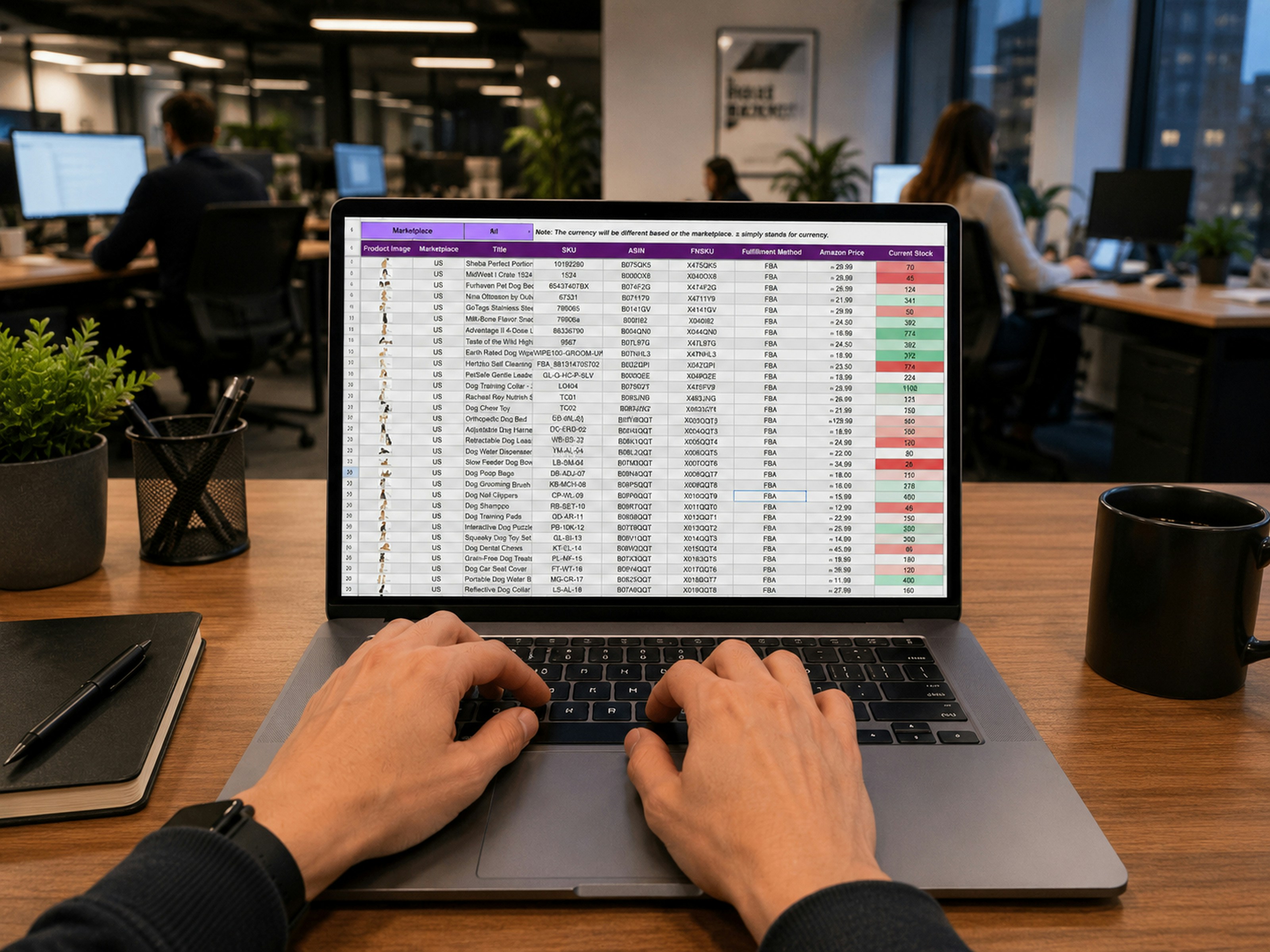
Automating accounts payable, bank reconciliation, month-end accruals and intercompany transactions is where most UK mid-market finance teams get the fastest return on investment in new software. This guide explains what accounting workflow automation does, which processes to automate first, the features to check for in any system you evaluate and how iplicit supports the shift for teams outgrowing entry-level tools like Xero or Sage 50.
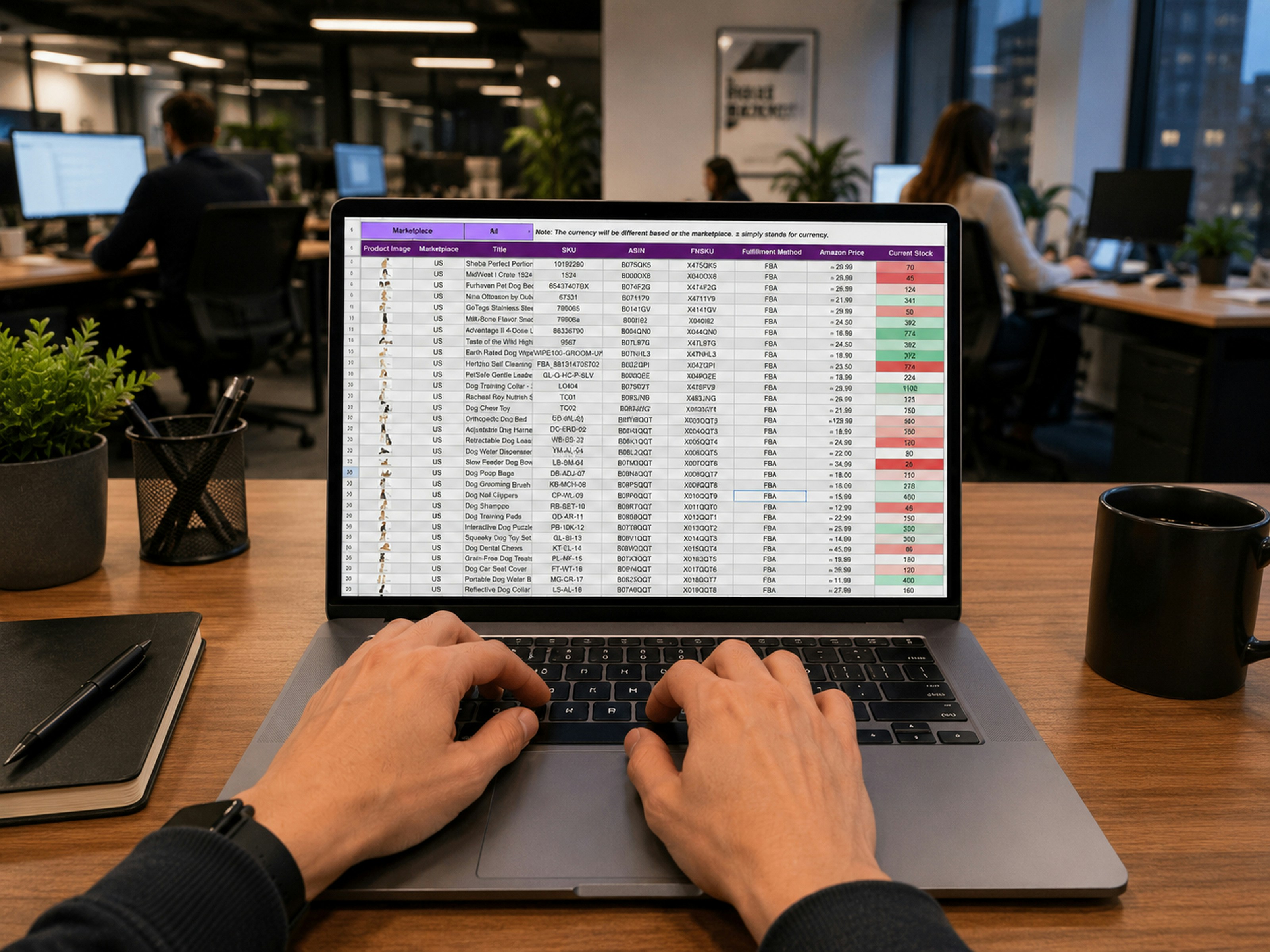
The short version
• You should automate the workflows that consume the most hours first: accounts payable, bank reconciliation, month-end accruals, and intercompany transactions.
• Look for accounting automation software with cloud-native architecture, native multi-company support, unlimited dimensions, and open API connectivity.
• iplicit delivers all of this as standard for UK mid-market finance teams that have outgrown entry-level accounting software.
Most mid-market finance teams already know they should automate. The problem is that the daily volume of invoices, reconciliations and journal entries leaves no room to step back and change how the work gets done. Without that space to think, everybody struggles on with outdated systems and manual processes, while the data coming out of the system continues to be out-of-date or incomplete.
The fix is to automate the work that eats the most time, then build from there. This guide draws on what iplicit sees every week as we help UK mid-market finance teams make that shift. It outlines which tasks eat the most hours and what efficiency gains can be achieved. It covers what workflow automation looks like, why it matters, which workflows to prioritise, the features worth checking for in any automation software and how iplicit supports the shift. (See also: why finance teams put off changing systems.)
What is accounting workflow automation?
Accounting workflow automation is the use of software to do accounting tasks that would otherwise need a person to do them by hand, such as entering invoice data, matching bank transactions or posting recurring journals. The software follows predefined rules and logic to move data between systems and keep every record in sync, without someone re-keying it at each step.
A few decades ago, most finance teams ran on paper and manual ledgers, with every transaction recorded by hand and cross-checked against other books. Software has replaced most of that manual cross-referencing, though the shift is still under way at many organisations.
Automating accounting workflows does not mean you stop needing a human accountant. You will likely keep the same finance professionals. They just work with better tools and spend their time on higher-value work instead of rekeying data.
RPA vs AI-powered automation: what's the difference?
Robotic process automation (RPA) follows fixed, rule-based steps to handle high-volume tasks like data entry or invoice processing exactly the same way every time. AI and machine learning go further: they recognise patterns, learn from past transactions and flag anomalies for a human to review, rather than just repeating a fixed set of instructions.
Many accounting platforms still rely mainly on RPA for structured, repetitive jobs. The more modern systems layer AI agents on top, so the software gets better at coding invoices or spotting a mismatched transaction the longer it's used. Either way, automation is best suited to high-volume, rule-based work. Complex financial judgement calls still need a person.
Why automation is important for accounting teams
By automating accounting workflows, you give finance teams back the hours currently lost to rekeying and cross-checking. You also minimise the errors and audit risks that manual, spreadsheet-based processes create. The change also means the numbers can be current throughout the month, not just at close, so a finance director isn't waiting days to answer a board question.
Frees up time for analysis and strategy
Finance professionals did not qualify to spend their days re-keying invoices or fixing broken spreadsheet formulas. Chasing signatures for a clean audit trail, or reconstructing figures during an audit because nothing was logged automatically, is a poor use of a qualified professional's time.
Automating the routine work frees staff up for budgeting, forecasting and commercial analysis, and lets them take on more strategic roles as the organisation grows.
Reduces manual errors and audit risk
Manual data entry is inherently prone to typos and transposition errors, and the risk increases when someone is working long hours to close the books. Spreadsheets make this worse. In fact, a review of spreadsheet-error studies by University of Hawaii researcher Raymond Panko found errors in 94% of the spreadsheets examined.
HMRC's Making Tax Digital rules already treat this as a compliance issue, not just an efficiency one: manually transferring data between systems is explicitly "not acceptable" for VAT-registered organisations under the current Making Tax Digital VAT notice. Automating accounting workflows removes that risk by generating a complete, automatic audit trail of every transaction and approval, so there's nothing left to manually cross-check.
Gives real-time financial visibility
In a manual system, the true financial position stays hidden until month-end close is finished, and that close is rarely quick. Ledge's 2025 State of Month-End Close survey found that half of finance teams still take six or more business days to close the books, and that 94% still rely on Excel to do it, with half naming that reliance as the main reason their close is slow.
Automation changes this by reconciling transactions as they happen, giving a live view of cash flow and departmental performance throughout the month rather than only once it's finished. Staff across the organisation can also see their own spending and performance on self-service dashboards, cutting the number of routine queries that come back to the finance team.
Common accounting workflows to automate first
Trying to automate an entire accounting function at once is overwhelming, so most organisations start with the tasks eating the most hours each week. For most UK mid-market finance teams, that means four workflows: the accounts payable cycle, bank reconciliation, month-end accruals and prepayments, and intercompany transactions.
1. The accounts payable cycle
Processing supplier invoices is often the most time-consuming part of a finance assistant's week: typing in every line item, selecting the right general ledger code, then chasing a department head for approval. It's repetitive, rule-based work, which makes it the clearest candidate for automation. Ardent Partners' State of ePayables research puts the average time to process a single invoice manually at 8.2 days.
Modern automated systems read an invoice as soon as it lands in a central inbox, capture the details, suggest coding based on previous entries and match it against existing purchase orders or goods received notes. The Recruitment Group cut its invoice processing time from 1.5 days to 2 hours after automating with iplicit, and Unit Hire's team now saves hours every week doing the same work.
2. Bank reconciliation
Reconciling a bank account manually usually means downloading a CSV file, importing it into the ledger, then trying to match transactions by hand. It's slow, prone to duplicate or missing entries when file formats don't line up and gives no clear view of the bank balance until reconciliation is finished at month-end.
Direct bank feeds fix this. Accounting automation software uses AI-powered matching to pair bank entries with the invoices and payments already in the ledger, so reconciliation happens in minutes instead of days, and the board gets an up-to-the-minute view of cash position.
3. Month-end accruals and prepayments
Most finance controllers still use spreadsheets to track accruals and prepayments, such as insurance premiums or software licences released over several months. These manual schedules are a common source of error.
Automation lets you set up the schedule once inside the accounting software, then leave the system to post the recurring journal entries on that schedule without further manual work. Month-end close then becomes a review of the numbers, not a manual rebuilding of the books.
4. Intercompany transactions
Organisations with multiple legal entities face a particular burden. Recording a transaction between two entities manually means logging into one to post the charge, then logging into another to record the matching entry. That duplication doubles the risk of mistakes and makes consolidated reporting difficult.
Automation posts intercompany journals and charges across entities instantly, keeping both sets of books in sync. Eliminations calculate in real time, and teams can generate a consolidated group view whenever they need one, without a manual export to Excel.
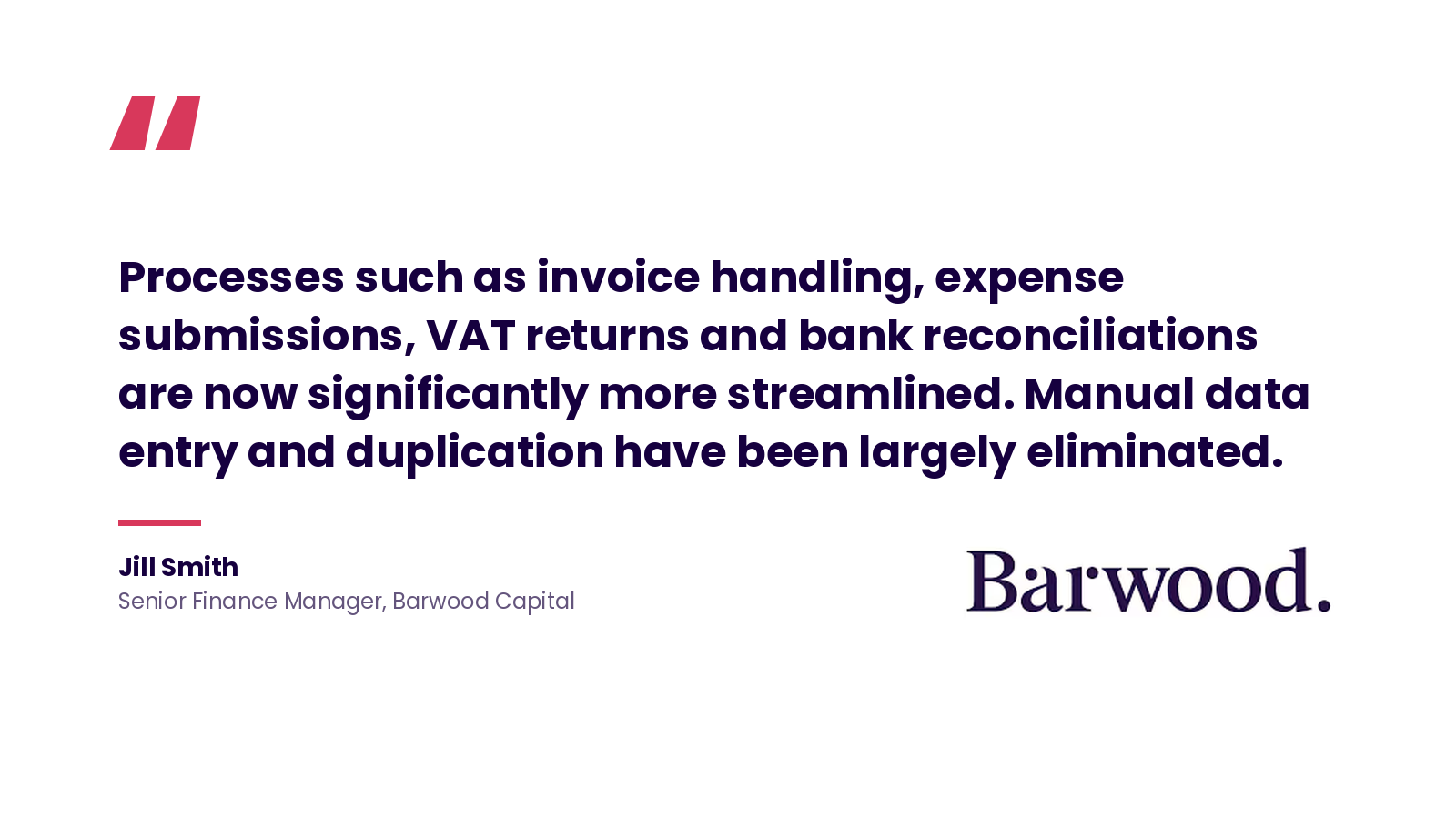
Read the Barwood Capital case study
How workflow automation works in practice
Workflow automation is not about a digital brain making its own choices. Most systems run on simple logical chains called triggers and actions. An event happens and the software carries out a predefined action in response, based on rules a person set up in advance.
Some common triggers:
• An invoice arriving in a dedicated accounts email address
• A member of staff photographing a receipt via a mobile app
• A customer payment reaching its due date without being settled
• A purchase order being approved by a department head
Following the trigger, the software carries out a specific action based on the rules defined beforehand. If an invoice is the trigger, the action might be to extract the supplier name, net amount and VAT using intelligent scanning, then match those details against an existing purchase order or goods received note to determine the document's legitimacy.
Once legitimacy is confirmed, the software identifies the correct approver based on the value or the general ledger code and routes the document to their mobile device or dashboard for sign-off. The end result is a journal being posted or a bank reconciliation completed in real time.
Automation is not a fix for every task, though. Complex financial decisions still need human reasoning and professional judgement. It works best for high-volume, rules-based jobs, where software is faster and less prone to simple typos than a person working under time pressure.
Key features to look for in accounting automation software
A system that fits a mid-market organisation now can become a constraint within a couple of years if it can't handle multiple entities, custom approval chains, or growing transaction volume. Check for seven things before choosing accounting automation software: cloud-native architecture, configurable approvals, multi-company support, unlimited dimensions, direct bank feeds, open API connectivity and automated audit trails.
• Cloud-native architecture: A system your staff can access from any location via a web browser, removing the need for local servers, VPNs, or manual software upgrades.
• Configurable multi-level approval workflows: Every purchase or expense should follow your organisation's specific approval hierarchy, and those rules should be configurable as the structure changes.
• Native multi-company support: If you manage multiple legal entities, the system should handle all of them in one environment, with consolidated reporting and intercompany journal posting built in.
• Unlimited accounting dimensions: The ability to slice financial data by project, department, location or fund, without needing a massive and unmanageable chart of accounts.
• Direct bank feeds: Intelligent matching that pairs entries with existing invoices, cutting the time spent on reconciliation. Avoid systems that still rely on manual CSV uploads.
• Open API connectivity: The ability to connect to your other tools, such as your CRM or payroll provider, through native integrations or an open API, so data moves automatically instead of being re-keyed.
• Automated audit trails: Every action logged, including who approved a document and when a figure changed, paired with role-based permissions to stay aligned with UK compliance standards.
How iplicit supports accounting workflow automation
The right accounting automation platform should handle every workflow in this guide as standard, not as a costly add-on bolted onto an entry-level system. iplicit is a cloud accounting platform built for UK mid-market finance teams that have outgrown entry-level tools like Xero or Sage 50, handling everything from intercompany journals to complex revenue schedules, with reporting and approvals built in alongside its automation.
Walking With The Wounded's finance team, for example, now saves at least 15 days a month after replacing manual, spreadsheet-heavy processes with iplicit.
Here's what you get when you choose iplicit:
• Core features included as standard: Multi-entity consolidation, approval workflows, and reporting are part of the platform from day one, not sold separately as paid modules.
• Fully automated AP workflows: iplicit automatically matches purchase orders, requisitions and goods received notes, flagging discrepancies before payment goes through. Past entries train the system, so routing and approvals happen without manual input.
• Faster bank reconciliation: iplicit connects directly to your bank so statements are downloaded and matched automatically.
• Automated accruals and prepayment schedules: Generate accurate accrual journals and prepayment schedules using rules-based logic for a faster month-end close.
• Real-time group consolidation: Keep all your entities aligned with real-time consolidation of intercompany transactions and group eliminations, using unlimited dimensions to analyse your finances and create consolidated reports at the touch of a button.
• Customisable workflows that adapt to your processes: iplicit's flexible engine lets you configure anything from simple sign-offs to complex, multi-department approval rules around how your organisation operates.
• Transparent pricing with no hidden costs: Know exactly what you are paying for, with no hidden modular costs and no long-term contracts locking you in.
• Full audit history carried over during setup: Keep full continuity for audits and board reporting without having to run your legacy system in parallel for access to historical data.
The bottom line
Start with the workflows that cost your team the most hours: accounts payable, bank reconciliation and month-end close. Everything else gets easier once the team has the capacity to think beyond the next deadline.
Whatever system you choose needs to handle these priority workflows now and scale with you later, so you're not forced to replace it again in a few years. Check for configurable approval workflows, multi-company support and unlimited dimensions before you commit.
iplicit is built around exactly that. Multi-entity consolidation, automated AP workflows and real-time reporting are included from day one, so mid-market finance teams can fix what's slow now without limiting what they can do next.
What is accounting workflow automation?
What is accounting workflow automation?
Accounting workflow automation is the use of software to complete accounting tasks that would otherwise need manual input, such as invoice entry, bank matching or journal posting. It follows predefined rules to move data between systems automatically, though a human accountant still reviews exceptions and handles judgement calls the software can't make.
What's the difference between RPA and AI-powered accounting automation?
What's the difference between RPA and AI-powered accounting automation?
Robotic Process Automation (RPA) follows fixed, rule-based steps for tasks like data entry, repeating the same process every time. AI and machine learning learn from past transactions and flag anomalies for a person to review, rather than just repeating instructions.
Why does manual accounting cause more errors during HMRC filings?
Why does manual accounting cause more errors during HMRC filings?
Manual data entry is inherently prone to typos and transposed figures, and the risk grows when staff are working long hours to close the books. Research into spreadsheet use has found errors in the vast majority of spreadsheets studied, and under HMRC's Making Tax Digital rules, manually transferring data between systems is not accepted as compliant record-keeping.
Which accounting workflows should you automate first?
Which accounting workflows should you automate first?
Start with whichever workflows consume the most hours each week, which for most UK mid-market finance teams means accounts payable, bank reconciliation, month-end accruals and intercompany transactions. These are high-volume, rule-based tasks, so they give the fastest, most measurable time savings before you automate anything else.
How long does it take to implement accounting automation software?
How long does it take to implement accounting automation software?
Implementation timelines vary by system and complexity, but mid-market platforms built for this purpose are designed to go live in weeks rather than years, unlike many enterprise-grade alternatives. Ask any vendor for a realistic go-live timeline based on your entity count and data migration needs before you commit.