
iplicit vs Sage 50
Sage 50 works well for one company with a couple of users. Once you need more companies, more transactions or more tracking codes than Sage 50 handles well, iplicit is the next step.

iplicit vs Sage 50
Sage 50 works well for one company with a couple of users. Once you need more companies, more transactions or more tracking codes than Sage 50 handles well, iplicit is the next step.
Every entity in one database · As many reporting dimensions as you need · Runs in any browser
At a glance
Last checked 26 October 2026 against Sage's UK knowledgebase and iplicit.com.

Consolidation
In one system for iplicit vs totals-only on Sage 50 Professional
Analysis dimensions
As many as you need for iplicit vs 3 for Sage 50 Professional
Remote access
In the browser for iplicit vs Sage 50 installed on each PC















Where iplicit and Sage 50 differ

Every company in one place, wherever your team works
Sage 50 keeps each company in its own file. Consolidation is on Professional only, posts totals you can't drill into, and won't run while you use Remote Data Access. In iplicit, every entity sits in one database you can open in any browser. You consolidate across entities and currencies in that same system, with intercompany handled in the system and drill-down to the source transaction.
Room to grow past Sage's recommended volumes
Sage recommends keeping a Sage 50 company under 250,000 transactions, and clearing out old transactions once you go over. Contract Energy Management had about 10,000 projects in Sage when it moved, and tracking profit job by job brought the system to a standstill.
Tracking that goes past department and project
Sage 50 tags a transaction with a department, plus a project and cost code on Professional. Anything beyond that means extra nominal codes or another spreadsheet. In iplicit, you can report on as many dimensions as you need, like site, region or entity.
iplicit vs Sage 50: head to head
Last checked 26 October 2026
iplicit
Sage 50
Deployment model
Implementation time
Multi-entity consolidation
Reporting and drill-down
Approvals and workflow
Open API and integrations
VAT and compliance
Pricing model
Support and onboarding
If you run a single company well inside Sage's recommended volumes, Sage 50 is the better fit. Making Tax Digital for VAT is built in, and your accountant can use Client Manager. If you're consolidating several companies or need more analysis than departments and projects, iplicit is the closer match.
Is this a fit?
If most of the second list sounds like you, stay on Sage 50.
Pick iplicit when
Pick Sage 50 when
Post once, intercompany handled in the system
All your entities share one database. Nobody logs in and out of company files.

Consolidation across entities and currencies in one system
Automated intercompany entries and eliminations
New entities added as you grow

From group summary down to the transaction
You can report on as many dimensions as you need, from the group P&L to a single transaction.
Group, entity and dimension views
Dashboards you can drill into
Live figures in Excel through the Excel add-in
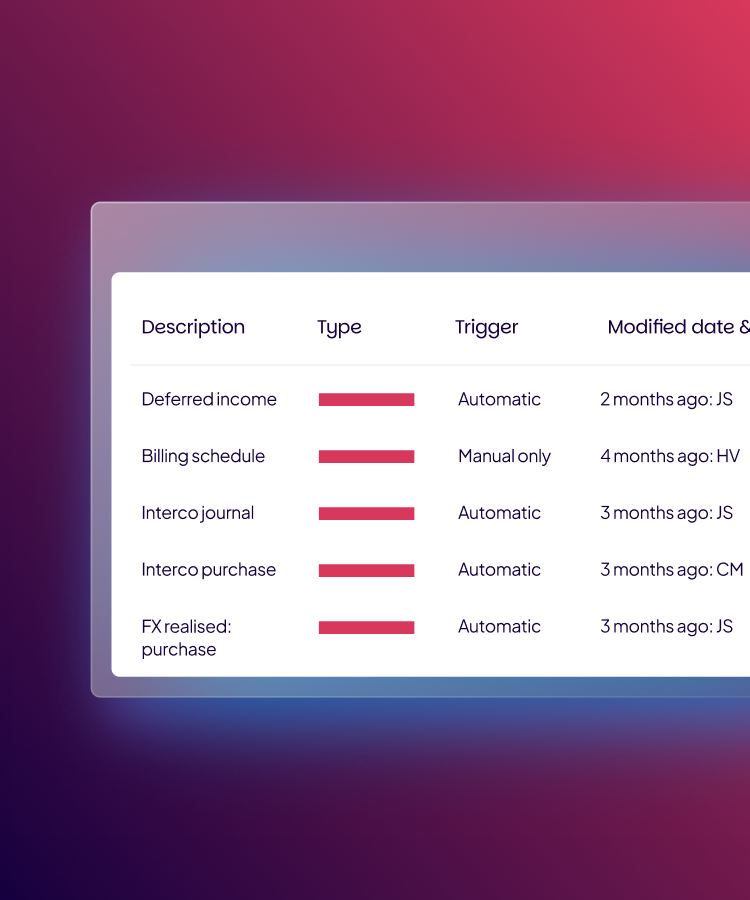
Approvals that route themselves
You set the approval flows for purchases, expenses and new suppliers, with one sign-off or several.
Every action logged in the audit trail
Approvals in the iOS and Android apps
Granular user permissions
Live in weeks, supported from day one
The Grand Theatre Blackpool moved from Sage 50 and went live in around five weeks.
A sandbox to practise in before go-live
Set-up and testing done with your team
UK-based support once you're live
Six questions that decide this
Get the answers in writing to make them easy to compare side by side.

1
What has to be true on day one
2
How many entities, and how often they consolidate
3
Who owns the month-end close
4
What the real total cost looks like over three years
5
What happens when the numbers need explaining
6
Who is on the other end of the phone